I2P Search
I2P Search
About 800 results found.
(Query 0.00100 seconds)
All
Images
Potato farm
mat.i2p
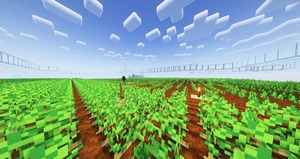
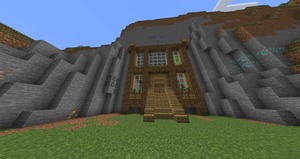
Original screenshot of my base, unfortunately it's too griefed now to take a better screenshot
mat.i2p
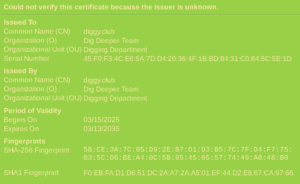
Showing the 'View certificate' window in Pale Moon for my diggy.club self-signed cert, with 'Dig Deeper Team' listed as the issuing organization
ius6h6cdf6rguuw65aktnpofjm5cn2my74s26ak7k5exgpk42odq.b32.i2p
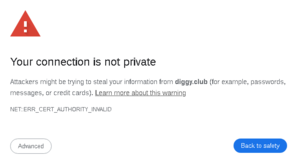
Self-signed cert warning in Chrome-based browsers, claiming the connection is 'not private' and offering a way to 'get back to safety' by leaving the offending page
ius6h6cdf6rguuw65aktnpofjm5cn2my74s26ak7k5exgpk42odq.b32.i2p
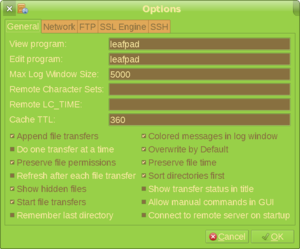
gFTP Preferences menu
ius6h6cdf6rguuw65aktnpofjm5cn2my74s26ak7k5exgpk42odq.b32.i2p
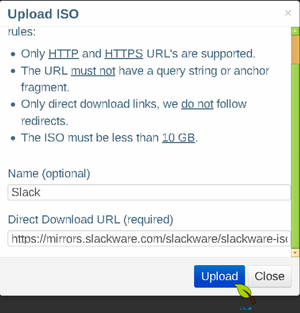
Showing the ISO address entry field
ius6h6cdf6rguuw65aktnpofjm5cn2my74s26ak7k5exgpk42odq.b32.i2p
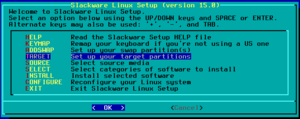
Picking the Target option on the Slackware install screen
ius6h6cdf6rguuw65aktnpofjm5cn2my74s26ak7k5exgpk42odq.b32.i2p
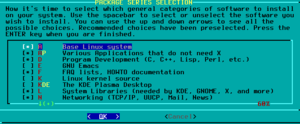
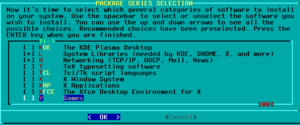
First half of the package selection screen
ius6h6cdf6rguuw65aktnpofjm5cn2my74s26ak7k5exgpk42odq.b32.i2p
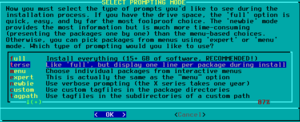
Choosing 'terse' on the package installation style screen
ius6h6cdf6rguuw65aktnpofjm5cn2my74s26ak7k5exgpk42odq.b32.i2p
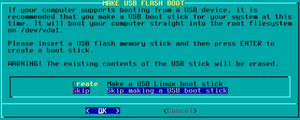
Skipping the creation of an USB stick
ius6h6cdf6rguuw65aktnpofjm5cn2my74s26ak7k5exgpk42odq.b32.i2p
Second half of the package selection screen
ius6h6cdf6rguuw65aktnpofjm5cn2my74s26ak7k5exgpk42odq.b32.i2p
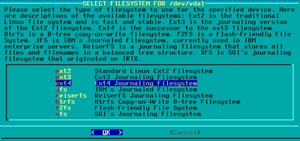
Choosing ext4 as the filesystem
ius6h6cdf6rguuw65aktnpofjm5cn2my74s26ak7k5exgpk42odq.b32.i2p
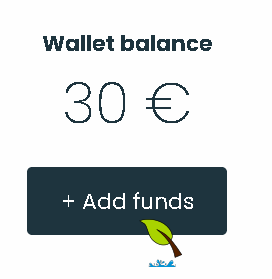
Showing the wallet balance, with the curson over an 'Add funds' button
ius6h6cdf6rguuw65aktnpofjm5cn2my74s26ak7k5exgpk42odq.b32.i2p
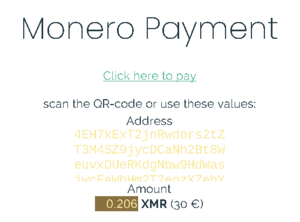
Showing the final add funds screen, with an amount listed to pay, as well as target Monero address
ius6h6cdf6rguuw65aktnpofjm5cn2my74s26ak7k5exgpk42odq.b32.i2p
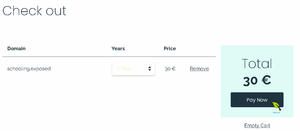
Showing the screen where you finalize buying the domain, with cursor hovered over 'Pay Now' button
ius6h6cdf6rguuw65aktnpofjm5cn2my74s26ak7k5exgpk42odq.b32.i2p
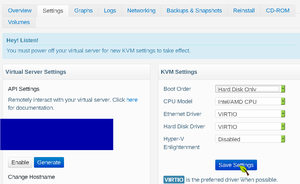
Setting BuyVM to boot from HDD in the control panel
ius6h6cdf6rguuw65aktnpofjm5cn2my74s26ak7k5exgpk42odq.b32.i2p
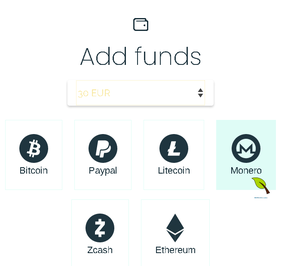
Showing the add funds screen, with 30 euro picked in the dropdown menu, and Monero as the currency of choice
ius6h6cdf6rguuw65aktnpofjm5cn2my74s26ak7k5exgpk42odq.b32.i2p
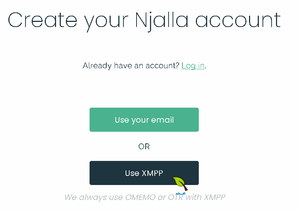
The first registration screen for njalla, with email or XMPP options, with curson on the XMPP option
ius6h6cdf6rguuw65aktnpofjm5cn2my74s26ak7k5exgpk42odq.b32.i2p
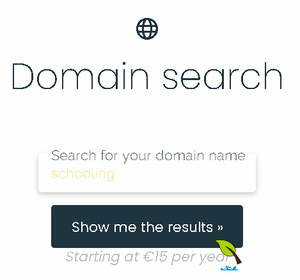
Showing the domain search field, with 'schooling' typed in it
ius6h6cdf6rguuw65aktnpofjm5cn2my74s26ak7k5exgpk42odq.b32.i2p
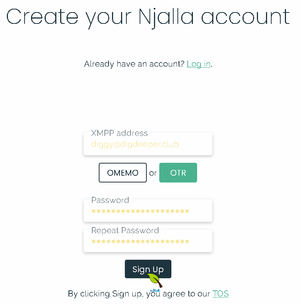
The second registration screen for njalla, with filled login and pass options, as well as choices of encryption type, with cursor over the OTR option
ius6h6cdf6rguuw65aktnpofjm5cn2my74s26ak7k5exgpk42odq.b32.i2p
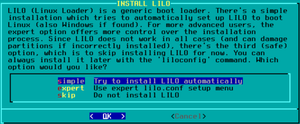
Choosing automatic lilo setup
ius6h6cdf6rguuw65aktnpofjm5cn2my74s26ak7k5exgpk42odq.b32.i2p
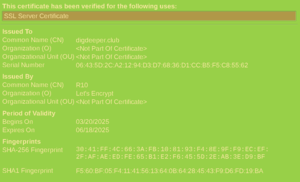
Showing the 'View certificate' window in Pale Moon for my digdeeper.club Let's Encrypt cert. The lack of fun stuff in the data is very obvious.
ius6h6cdf6rguuw65aktnpofjm5cn2my74s26ak7k5exgpk42odq.b32.i2p
grimore.i2p
grimore.i2p
Screenshot
idk.i2p
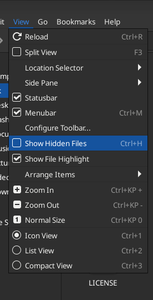
Show hidden files
idk.i2p
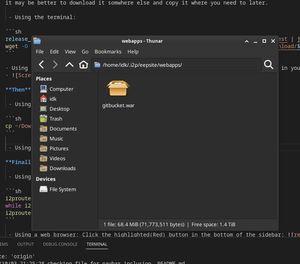
Final webapps
idk.i2p
restart
idk.i2p
nuclearchange.i2p
lm.i2p
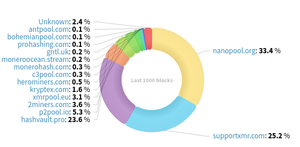
Hashrate Distribution
lm.i2p
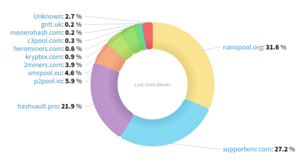
Hashrate Distribution
lm.i2p
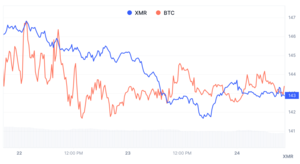
Price Chart
lm.i2p
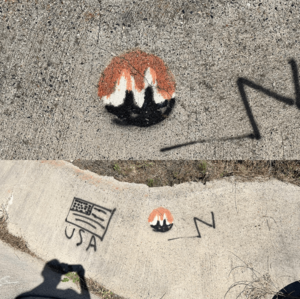
Monero Standard
lm.i2p
lm.i2p
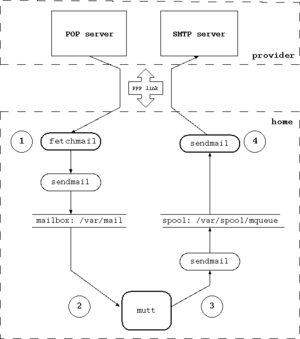
Structure of the mail system
netbsd.i2p
lm.i2p
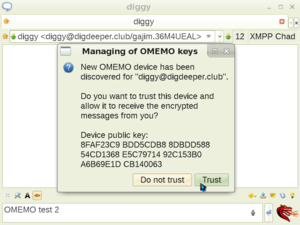
Showing Psi's OMEMO fingerprint verification screen
ius6h6cdf6rguuw65aktnpofjm5cn2my74s26ak7k5exgpk42odq.b32.i2p
Psi message window
ius6h6cdf6rguuw65aktnpofjm5cn2my74s26ak7k5exgpk42odq.b32.i2p
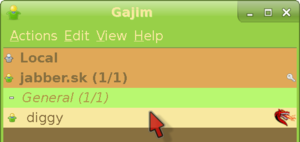
Entering the talk window in Gajim
ius6h6cdf6rguuw65aktnpofjm5cn2my74s26ak7k5exgpk42odq.b32.i2p
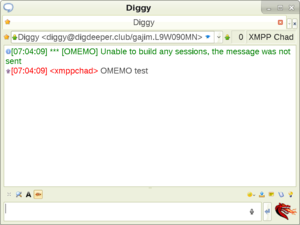
Showing an OMEMO message not being received
ius6h6cdf6rguuw65aktnpofjm5cn2my74s26ak7k5exgpk42odq.b32.i2p
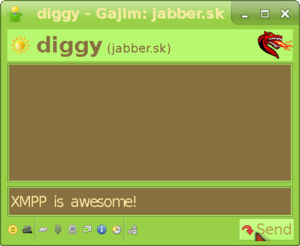
The actual talk window in Gajim
ius6h6cdf6rguuw65aktnpofjm5cn2my74s26ak7k5exgpk42odq.b32.i2p
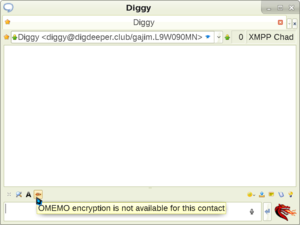
Message window in Psi, showing the OMEMO encryption toggle
ius6h6cdf6rguuw65aktnpofjm5cn2my74s26ak7k5exgpk42odq.b32.i2p
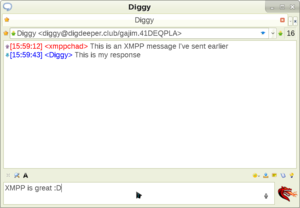
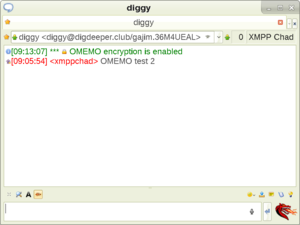
Showing a successful OMEMO conversation in Psi
ius6h6cdf6rguuw65aktnpofjm5cn2my74s26ak7k5exgpk42odq.b32.i2p
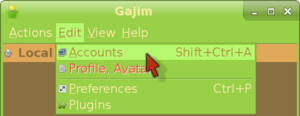
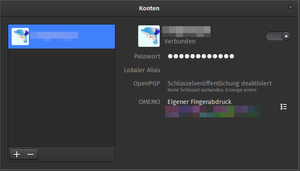
Gajim accounts screen
ius6h6cdf6rguuw65aktnpofjm5cn2my74s26ak7k5exgpk42odq.b32.i2p
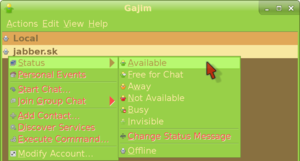
Going online in Gajim
ius6h6cdf6rguuw65aktnpofjm5cn2my74s26ak7k5exgpk42odq.b32.i2p
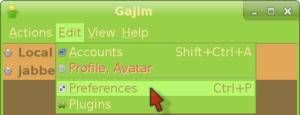
Entering the Preferences menu in Gajim
ius6h6cdf6rguuw65aktnpofjm5cn2my74s26ak7k5exgpk42odq.b32.i2p
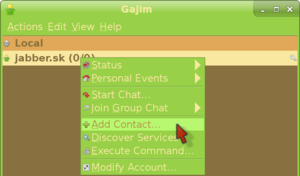
Entering the add contact menu in Gajim
ius6h6cdf6rguuw65aktnpofjm5cn2my74s26ak7k5exgpk42odq.b32.i2p
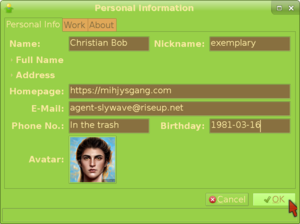
Filling in your personal information in Gajim
ius6h6cdf6rguuw65aktnpofjm5cn2my74s26ak7k5exgpk42odq.b32.i2p
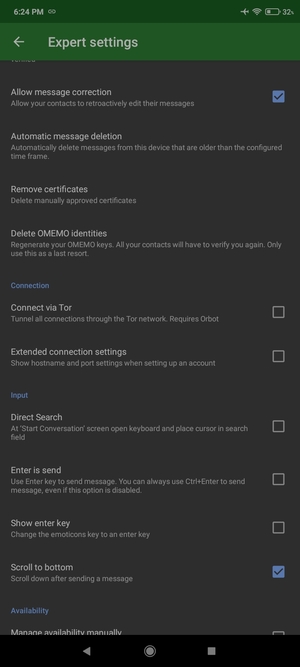
Conversations settings menu
ius6h6cdf6rguuw65aktnpofjm5cn2my74s26ak7k5exgpk42odq.b32.i2p
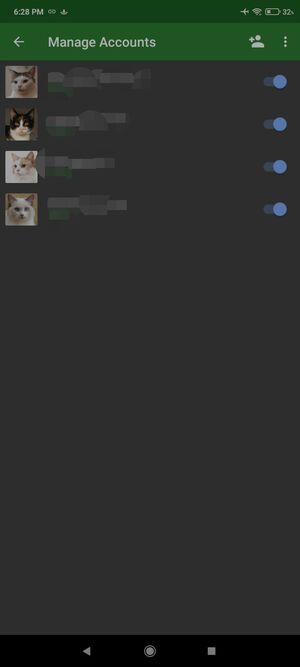
Conversations accounts screen
ius6h6cdf6rguuw65aktnpofjm5cn2my74s26ak7k5exgpk42odq.b32.i2p
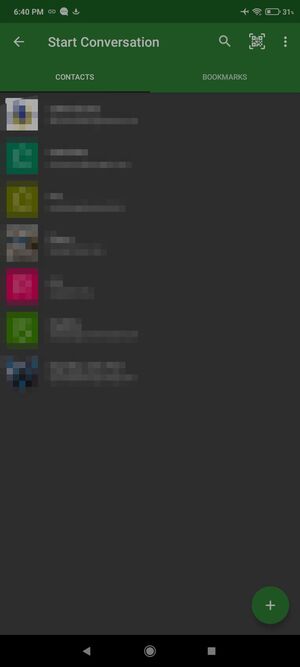
Conversations roster
ius6h6cdf6rguuw65aktnpofjm5cn2my74s26ak7k5exgpk42odq.b32.i2p
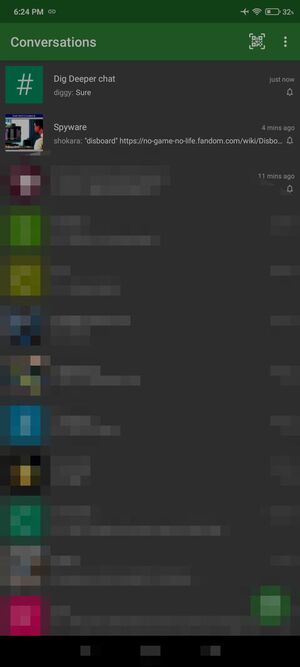
Conversations currently going convos
ius6h6cdf6rguuw65aktnpofjm5cn2my74s26ak7k5exgpk42odq.b32.i2p
Dino account screen
ius6h6cdf6rguuw65aktnpofjm5cn2my74s26ak7k5exgpk42odq.b32.i2p
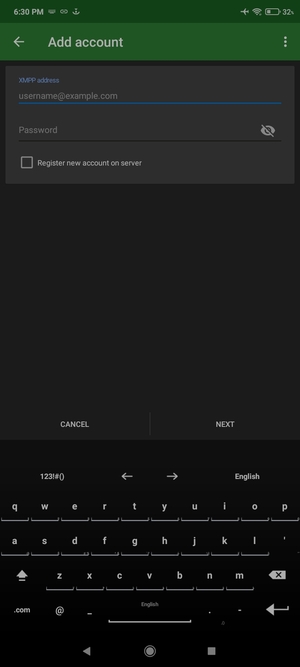
Conversations add account screen
ius6h6cdf6rguuw65aktnpofjm5cn2my74s26ak7k5exgpk42odq.b32.i2p
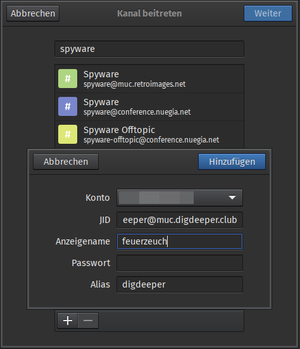
Dino join channel screen
ius6h6cdf6rguuw65aktnpofjm5cn2my74s26ak7k5exgpk42odq.b32.i2p
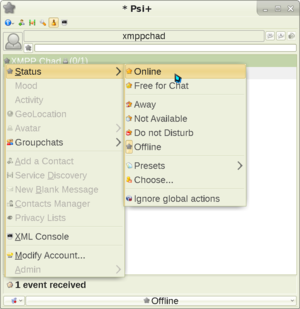
Going online in Psi
ius6h6cdf6rguuw65aktnpofjm5cn2my74s26ak7k5exgpk42odq.b32.i2p
Showing the Night skin
ius6h6cdf6rguuw65aktnpofjm5cn2my74s26ak7k5exgpk42odq.b32.i2p
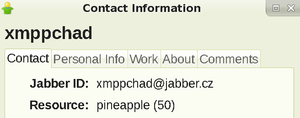
Showing what the modified resource header looks like when viewed by someone else
ius6h6cdf6rguuw65aktnpofjm5cn2my74s26ak7k5exgpk42odq.b32.i2p
Showing how to enable OMEMO in Psi and enter its settings menu
ius6h6cdf6rguuw65aktnpofjm5cn2my74s26ak7k5exgpk42odq.b32.i2p
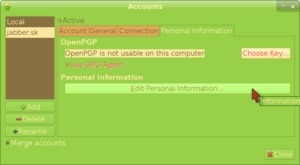
Personal Information tab of the Accounts menu in Gajim
ius6h6cdf6rguuw65aktnpofjm5cn2my74s26ak7k5exgpk42odq.b32.i2p
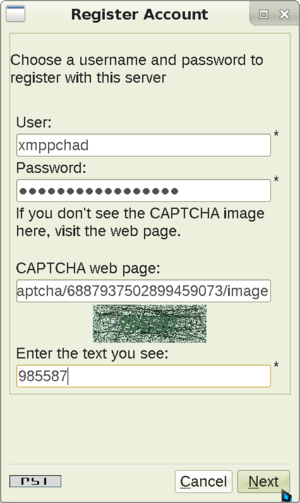
Psi next registration screen
ius6h6cdf6rguuw65aktnpofjm5cn2my74s26ak7k5exgpk42odq.b32.i2p
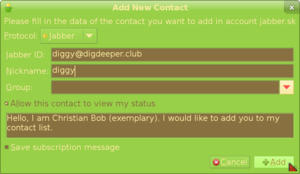
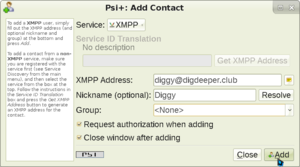
Entering the data for your added contact
ius6h6cdf6rguuw65aktnpofjm5cn2my74s26ak7k5exgpk42odq.b32.i2p
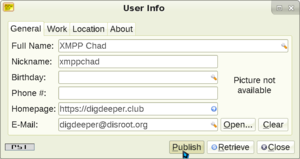
Psi user information screen
ius6h6cdf6rguuw65aktnpofjm5cn2my74s26ak7k5exgpk42odq.b32.i2p
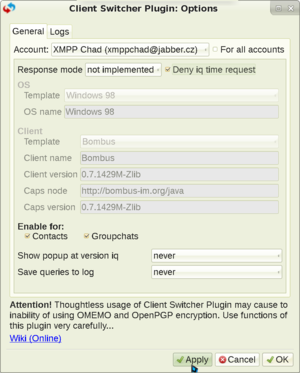
Showing Psi+ Client Switcher plugin settings that allow you to hide
ius6h6cdf6rguuw65aktnpofjm5cn2my74s26ak7k5exgpk42odq.b32.i2p
Psi finalizing contact addition
ius6h6cdf6rguuw65aktnpofjm5cn2my74s26ak7k5exgpk42odq.b32.i2p
Showing the Skins plugin in the plugins menu
ius6h6cdf6rguuw65aktnpofjm5cn2my74s26ak7k5exgpk42odq.b32.i2p
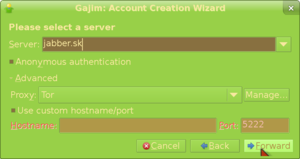
Picking a server in Gajim registration screen
ius6h6cdf6rguuw65aktnpofjm5cn2my74s26ak7k5exgpk42odq.b32.i2p
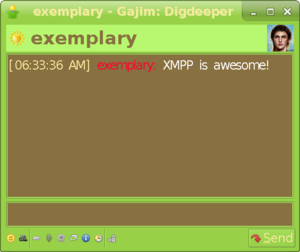
Receiving message in Gajim
ius6h6cdf6rguuw65aktnpofjm5cn2my74s26ak7k5exgpk42odq.b32.i2p
Pidgin window screenshot
ius6h6cdf6rguuw65aktnpofjm5cn2my74s26ak7k5exgpk42odq.b32.i2p
Dino message window
ius6h6cdf6rguuw65aktnpofjm5cn2my74s26ak7k5exgpk42odq.b32.i2p
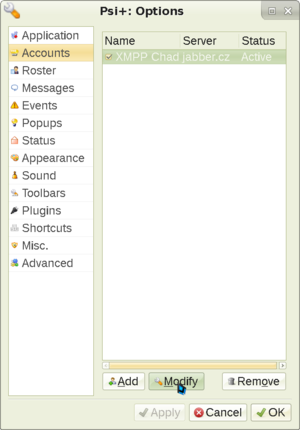
Showing the accounts screen
ius6h6cdf6rguuw65aktnpofjm5cn2my74s26ak7k5exgpk42odq.b32.i2p
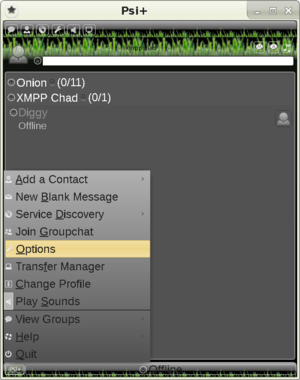
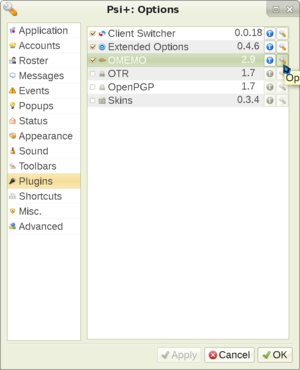
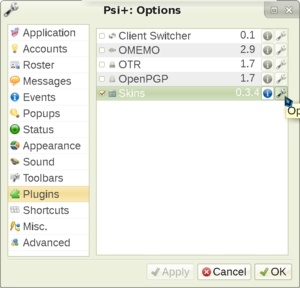
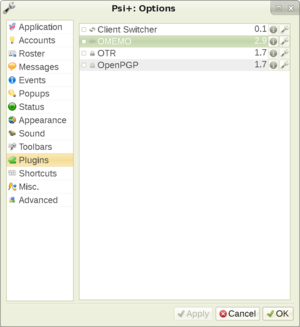
Showing Psi plugins existing in the Options menu
ius6h6cdf6rguuw65aktnpofjm5cn2my74s26ak7k5exgpk42odq.b32.i2p
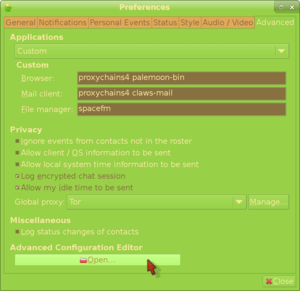
Privacy mitigations in Gajim
ius6h6cdf6rguuw65aktnpofjm5cn2my74s26ak7k5exgpk42odq.b32.i2p
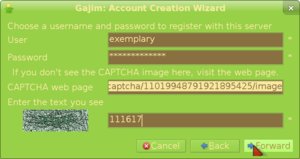
Gajim data input and captcha screen
ius6h6cdf6rguuw65aktnpofjm5cn2my74s26ak7k5exgpk42odq.b32.i2p
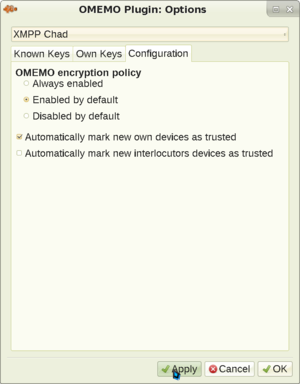
Showing the OMEMO plugin settings menu in Psi+
ius6h6cdf6rguuw65aktnpofjm5cn2my74s26ak7k5exgpk42odq.b32.i2p
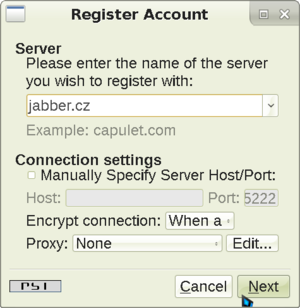
Psi registration screen
ius6h6cdf6rguuw65aktnpofjm5cn2my74s26ak7k5exgpk42odq.b32.i2p
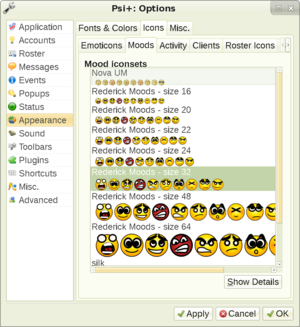
Showing Psi+ icons choosing screen
ius6h6cdf6rguuw65aktnpofjm5cn2my74s26ak7k5exgpk42odq.b32.i2p
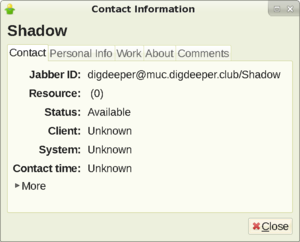
How it looks like when someone checks up on you
ius6h6cdf6rguuw65aktnpofjm5cn2my74s26ak7k5exgpk42odq.b32.i2p
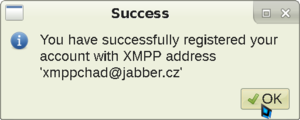
Psi registration finalized
ius6h6cdf6rguuw65aktnpofjm5cn2my74s26ak7k5exgpk42odq.b32.i2p
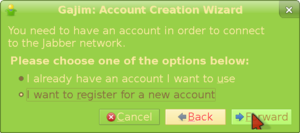
Choosing to register a new account in Gajim
ius6h6cdf6rguuw65aktnpofjm5cn2my74s26ak7k5exgpk42odq.b32.i2p
Page:
3
4
5
6
7