I2P Search
I2P Search
About 3,345 results found.
(Query 0.00200 seconds)
All
Images
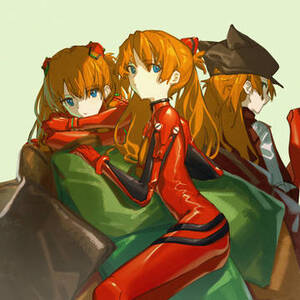
Asuka, EVA, neon genesis evangelion / 明日香
vx-staging.neonw.i2p
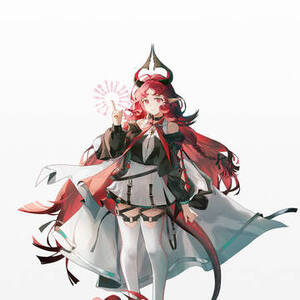
Arknights, Arknights, Arknights / 妮芙
vx-staging.neonw.i2p
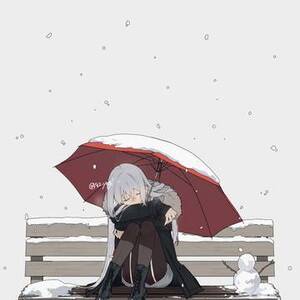
original, creation, snow / 雪の日
vx-staging.neonw.i2p
scenery, background, sunset / 海边
vx-staging.neonw.i2p
THE PAGE. Cock-blocked by Cloudflare
digitalsr.i2p
Lynx showing an i2gopher
digitalsr.i2p
nitter.catsarch.i2p
vernzdedoxuflrrxc4vbatbkpjh4k22ecgiqgimdiif62onhagva.b32.i2p
original, creation, original manga / 男子大学生3人が魔法少女になる話
vx.maid.i2p
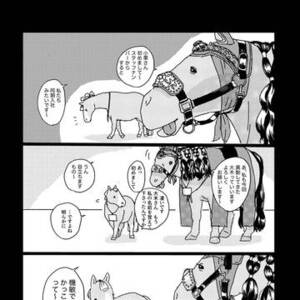
horse, original, Original 500+ bookmarks / 謎漫画
vx.neonw.i2p
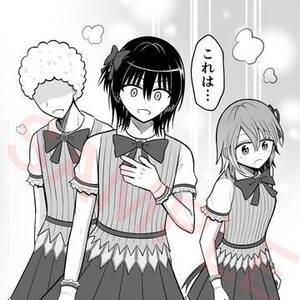
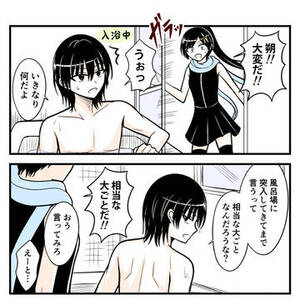
original, original manga, original male and female characters / さわナシ○○○○化決定!!
vx.maid.i2p
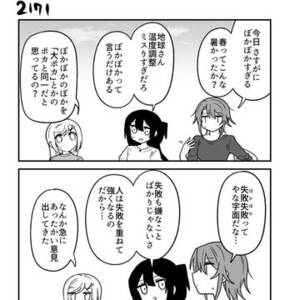
original comic, original manga / 【創作漫画】不器用ビンボーダンス その218 / April 3rd, 2025
vx.maid.i2p
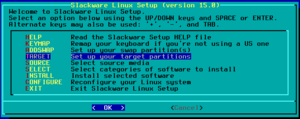
Picking the Target option on the Slackware install screen
ius6h6cdf6rguuw65aktnpofjm5cn2my74s26ak7k5exgpk42odq.b32.i2p
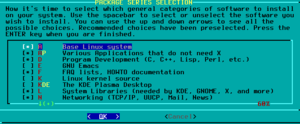
First half of the package selection screen
ius6h6cdf6rguuw65aktnpofjm5cn2my74s26ak7k5exgpk42odq.b32.i2p
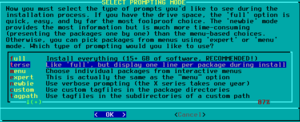
Choosing 'terse' on the package installation style screen
ius6h6cdf6rguuw65aktnpofjm5cn2my74s26ak7k5exgpk42odq.b32.i2p
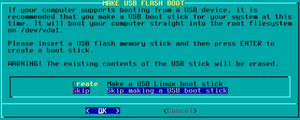
Skipping the creation of an USB stick
ius6h6cdf6rguuw65aktnpofjm5cn2my74s26ak7k5exgpk42odq.b32.i2p
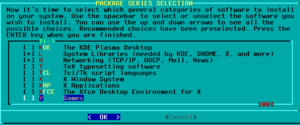
Second half of the package selection screen
ius6h6cdf6rguuw65aktnpofjm5cn2my74s26ak7k5exgpk42odq.b32.i2p
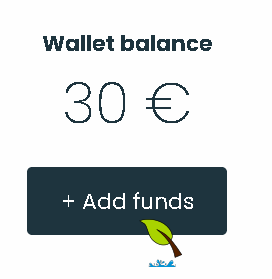
Showing the wallet balance, with the curson over an 'Add funds' button
ius6h6cdf6rguuw65aktnpofjm5cn2my74s26ak7k5exgpk42odq.b32.i2p
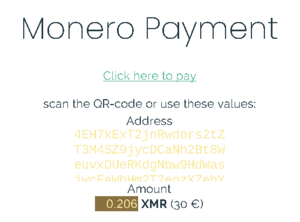
Showing the final add funds screen, with an amount listed to pay, as well as target Monero address
ius6h6cdf6rguuw65aktnpofjm5cn2my74s26ak7k5exgpk42odq.b32.i2p
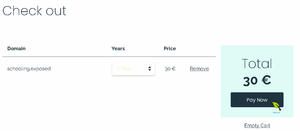
Showing the screen where you finalize buying the domain, with cursor hovered over 'Pay Now' button
ius6h6cdf6rguuw65aktnpofjm5cn2my74s26ak7k5exgpk42odq.b32.i2p
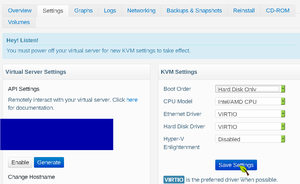
Setting BuyVM to boot from HDD in the control panel
ius6h6cdf6rguuw65aktnpofjm5cn2my74s26ak7k5exgpk42odq.b32.i2p
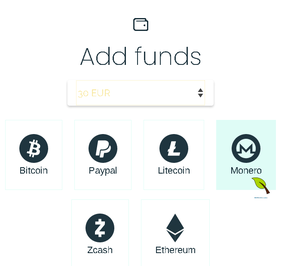
Showing the add funds screen, with 30 euro picked in the dropdown menu, and Monero as the currency of choice
ius6h6cdf6rguuw65aktnpofjm5cn2my74s26ak7k5exgpk42odq.b32.i2p
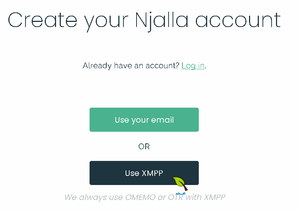
The first registration screen for njalla, with email or XMPP options, with curson on the XMPP option
ius6h6cdf6rguuw65aktnpofjm5cn2my74s26ak7k5exgpk42odq.b32.i2p
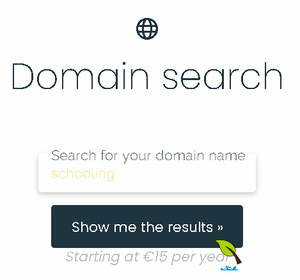
Showing the domain search field, with 'schooling' typed in it
ius6h6cdf6rguuw65aktnpofjm5cn2my74s26ak7k5exgpk42odq.b32.i2p
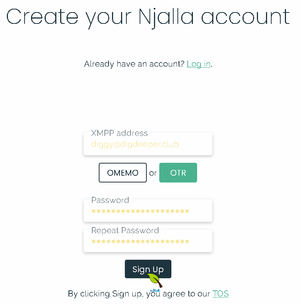
The second registration screen for njalla, with filled login and pass options, as well as choices of encryption type, with cursor over the OTR option
ius6h6cdf6rguuw65aktnpofjm5cn2my74s26ak7k5exgpk42odq.b32.i2p
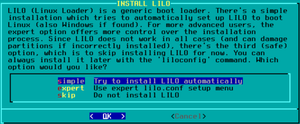
Choosing automatic lilo setup
ius6h6cdf6rguuw65aktnpofjm5cn2my74s26ak7k5exgpk42odq.b32.i2p
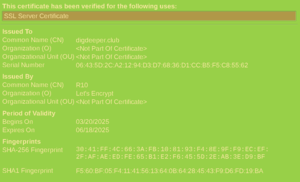
Showing the 'View certificate' window in Pale Moon for my digdeeper.club Let's Encrypt cert. The lack of fun stuff in the data is very obvious.
ius6h6cdf6rguuw65aktnpofjm5cn2my74s26ak7k5exgpk42odq.b32.i2p
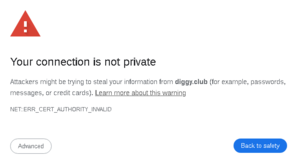
Self-signed cert warning in Chrome-based browsers, claiming the connection is 'not private' and offering a way to 'get back to safety' by leaving the offending page
ius6h6cdf6rguuw65aktnpofjm5cn2my74s26ak7k5exgpk42odq.b32.i2p
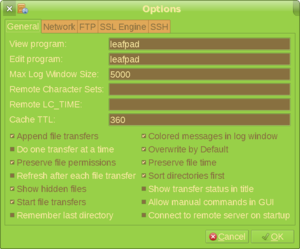
gFTP Preferences menu
ius6h6cdf6rguuw65aktnpofjm5cn2my74s26ak7k5exgpk42odq.b32.i2p
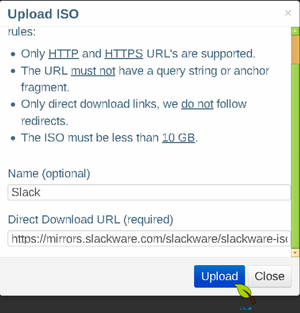
Showing the ISO address entry field
ius6h6cdf6rguuw65aktnpofjm5cn2my74s26ak7k5exgpk42odq.b32.i2p
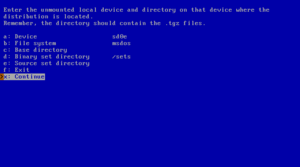
Accessing a MSDOS file system
netbsd.i2p
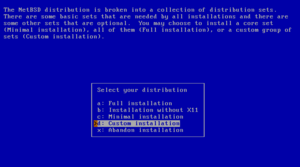
Full or custom installation
netbsd.i2p
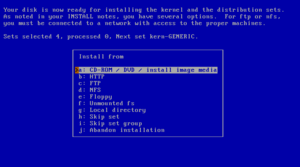
Installation media
netbsd.i2p
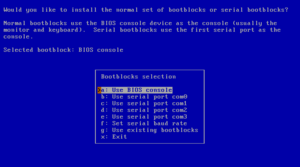
Selecting bootblocks
netbsd.i2p
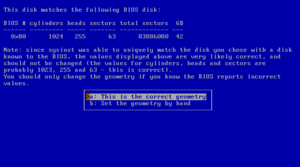
Disk geometry
netbsd.i2p
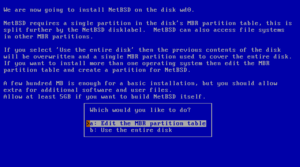
Choosing the partitioning scheme
netbsd.i2p
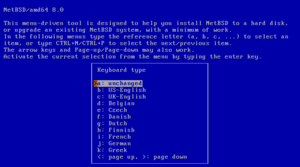
Selecting a keyboard type
netbsd.i2p
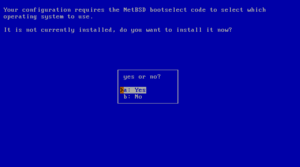
Installing the boot selector
netbsd.i2p
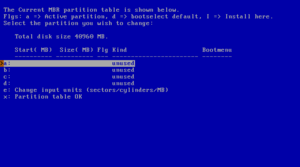
fdisk
netbsd.i2p
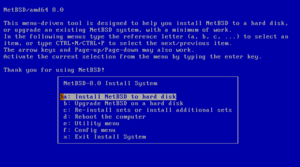
The sysinst main menu
netbsd.i2p
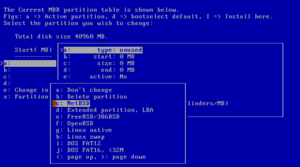
Partition options
netbsd.i2p
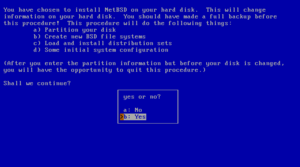
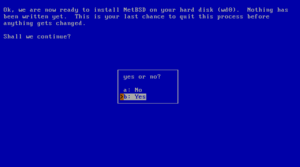
Confirming to install NetBSD
netbsd.i2p
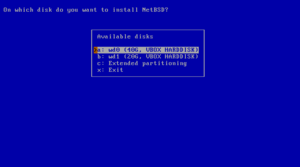
Choosing a hard disk
netbsd.i2p
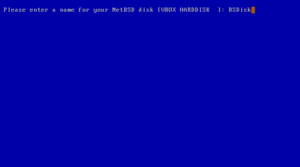
Naming the NetBSD disk
netbsd.i2p
Mounting a partition
netbsd.i2p
Last chance to abort
netbsd.i2p
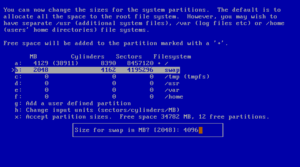
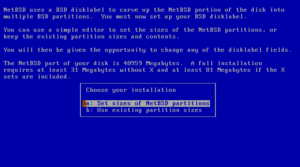
Setting partition sizes
netbsd.i2p
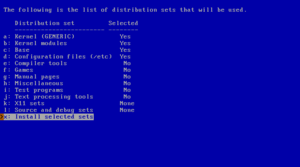
Selecting distribution sets
netbsd.i2p
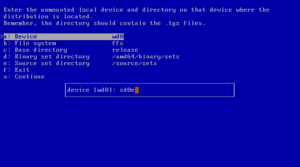
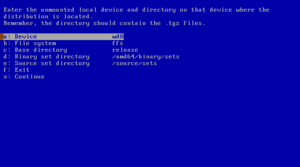
Mounting a file system
netbsd.i2p
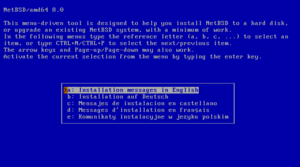
Selecting the language
netbsd.i2p
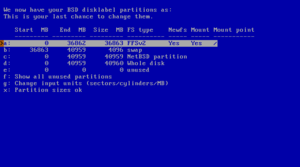
The disklabel editor
netbsd.i2p
Edit partitions?
netbsd.i2p
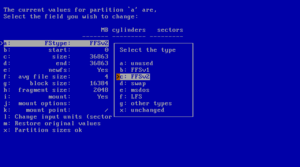
Disklabel partition editing
netbsd.i2p
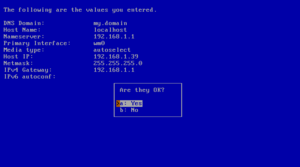
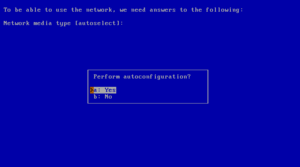
Confirm autoconfiguration
netbsd.i2p
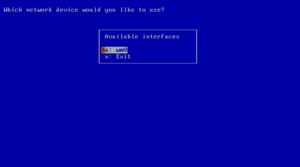
Which network interface to configure
netbsd.i2p
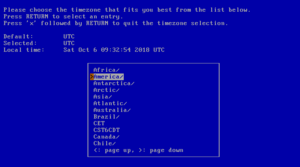
Selecting the system's time zone
netbsd.i2p
NFS example
netbsd.i2p
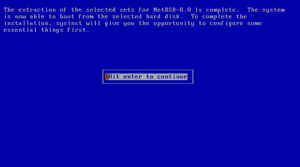
Extraction of sets completed
netbsd.i2p
Using autoconfiguration
netbsd.i2p
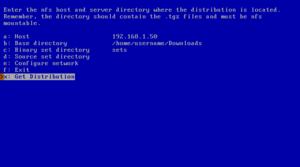
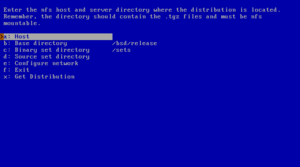
NFS install screen
netbsd.i2p
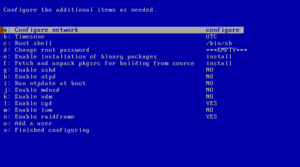
Configuration menu
netbsd.i2p
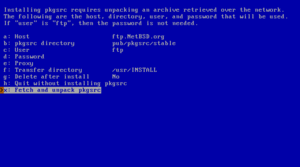
Fetch and unpack pkgsrc
netbsd.i2p
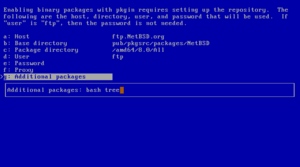
Additional packages
netbsd.i2p
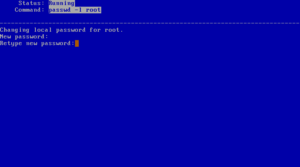
Setting root password
netbsd.i2p
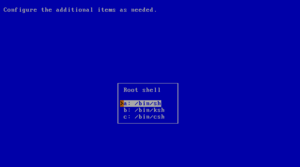
Choosing a shell
netbsd.i2p
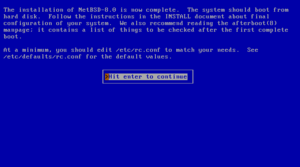
Installation completed
netbsd.i2p
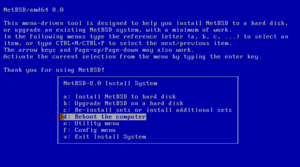
Reboot to finish installation
netbsd.i2p
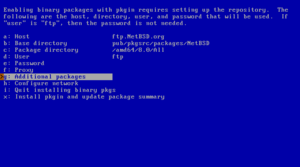
Enabling installation of binary packages
netbsd.i2p
Page:
27
28
29
30
31