I2P Search
I2P Search
About 5,350 results found.
(Query 0.00500 seconds)
All
Images
Stack Wallet Coin Control Guide - Step 2 on mobile
stackwallet.i2p
Stack Wallet Coin Control Guide - Step 6 on desktop
stackwallet.i2p
Stack Wallet Coin Control Guide - Step 6 on mobile
stackwallet.i2p
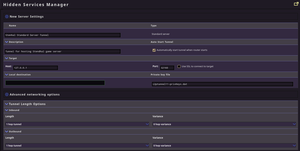
Using short tunnels
idk.i2p
zzzmirror.i2p
zzzmirror.i2p
zzzmirror.i2p
Image
xyst.i2p
Image
xyst.i2p
zzzmirror.i2p
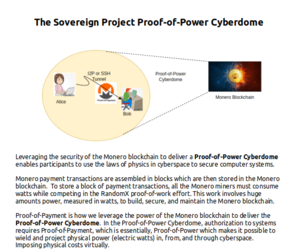
image-cyberdome
sovereign.i2p
Logo image
sovereign.i2p
Logo image
sovereign.i2p
image
sovereign.i2p
netbsd.i2p
netbsd.i2p
netbsd.i2p
cs.i2p
cs.i2p
cs.i2p
cs.i2p
cs.i2p
cs.i2p
cs.i2p
cs.i2p
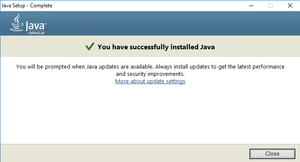
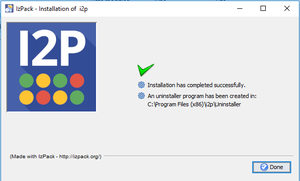
You’re done!
idk.i2p
Step two
idk.i2p
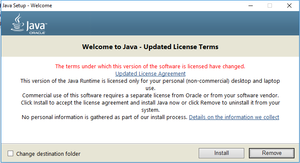
Step one
idk.i2p
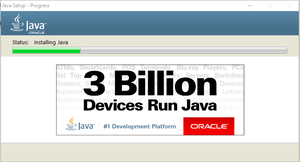
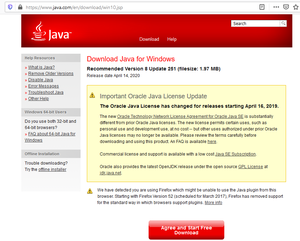
Start installing Java
idk.i2p
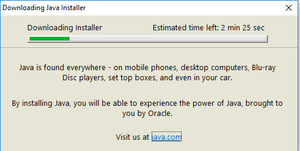
So download it
idk.i2p
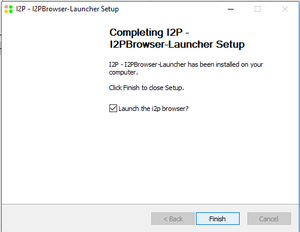
Finish it up
idk.i2p
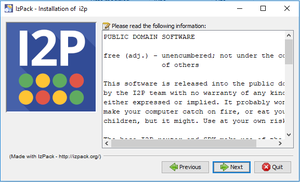
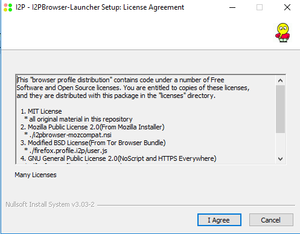
Accept the License Agreement(or mostly lack thereof)
idk.i2p
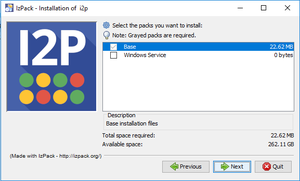
Select Components
idk.i2p
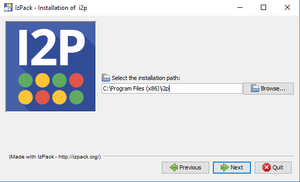
Select the path to install to
idk.i2p
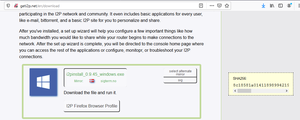
Download I2P
idk.i2p
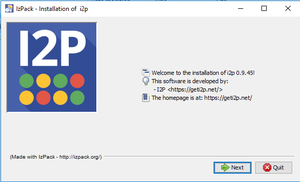
Run the installer
idk.i2p
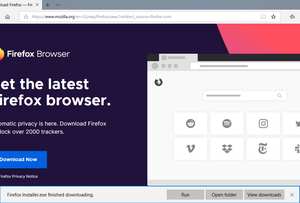
Get Firefox
idk.i2p
Introduction
idk.i2p
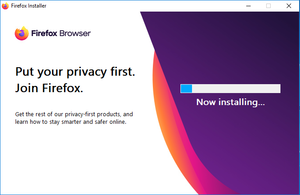
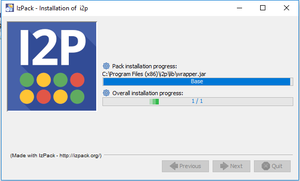
Wait a moment
idk.i2p
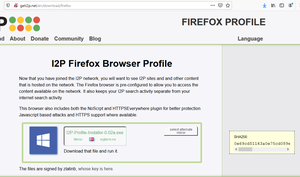
Grab the Firefox Profile
idk.i2p
Welcome to the Invisible Internet
idk.i2p
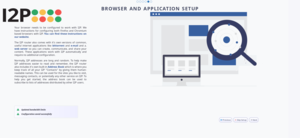
Suggest browser and application configuration
idk.i2p
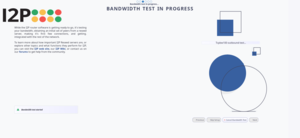
Run the bandwidth test
idk.i2p
Accpt the License Agreement
idk.i2p
Start the bandwidth wizard
idk.i2p
Let the participant know what the bandwidth test entails
idk.i2p
Now your browser is configured
idk.i2p
gitunderground.i2p
gitunderground.i2p
gitunderground.i2p
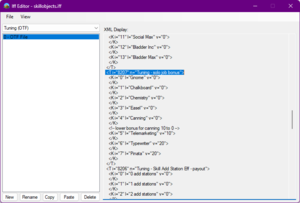
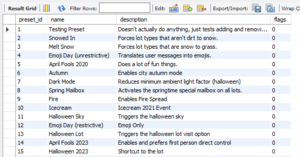
Force Snow Tuning
gitunderground.i2p
netbsd.i2p
netbsd.i2p
netbsd.i2p
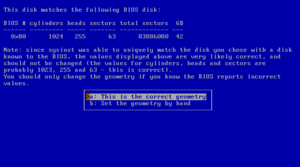
Disk geometry
netbsd.i2p
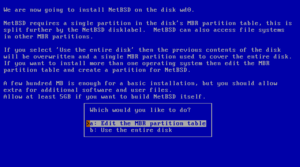
Choosing the partitioning scheme
netbsd.i2p
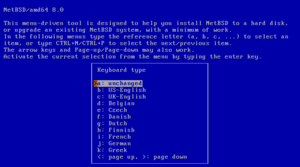
Selecting a keyboard type
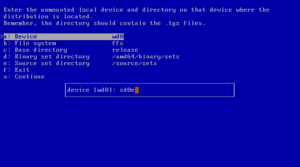
netbsd.i2p
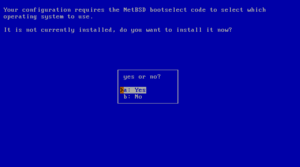
Installing the boot selector
netbsd.i2p
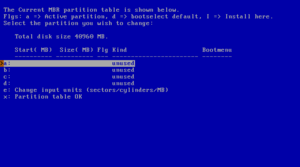
fdisk
netbsd.i2p
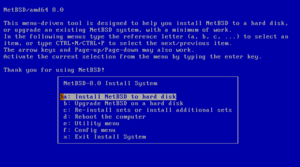
The sysinst main menu
netbsd.i2p
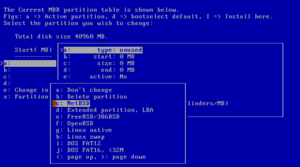
Partition options
netbsd.i2p
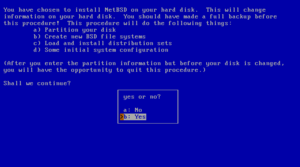
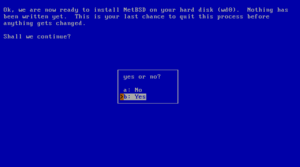
Confirming to install NetBSD
netbsd.i2p
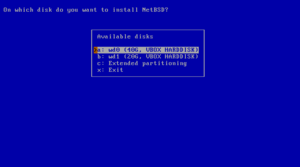
Choosing a hard disk
netbsd.i2p
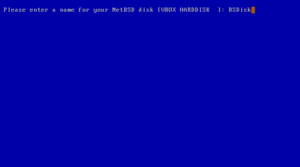
Naming the NetBSD disk
netbsd.i2p
Mounting a partition
netbsd.i2p
Last chance to abort
netbsd.i2p
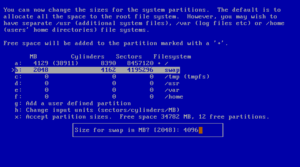
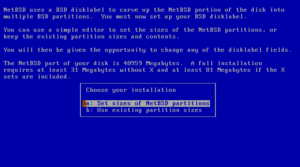
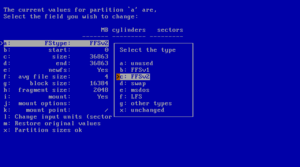
Setting partition sizes
netbsd.i2p
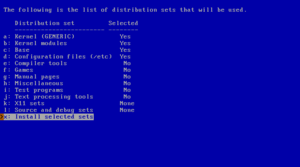
Selecting distribution sets
netbsd.i2p
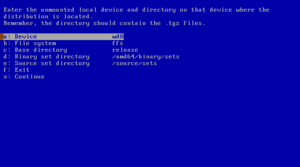
Mounting a file system
netbsd.i2p
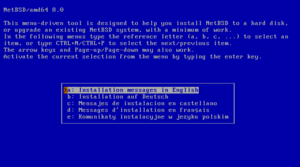
Selecting the language
netbsd.i2p
The disklabel editor
netbsd.i2p
Edit partitions?
netbsd.i2p
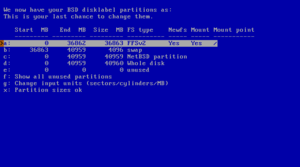
Disklabel partition editing
netbsd.i2p
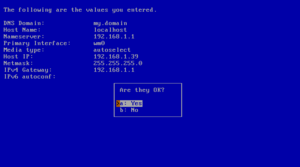
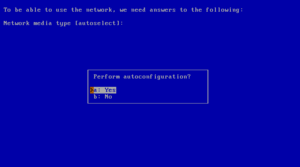
Confirm autoconfiguration
netbsd.i2p
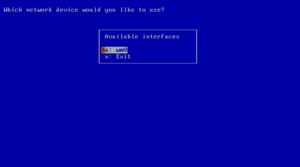
Which network interface to configure
netbsd.i2p
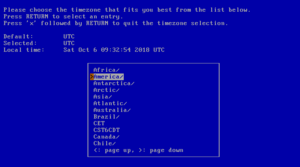
Selecting the system's time zone
netbsd.i2p
NFS example
netbsd.i2p
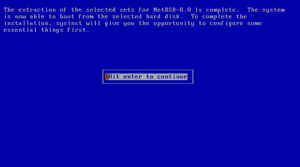
Extraction of sets completed
netbsd.i2p
Using autoconfiguration
netbsd.i2p
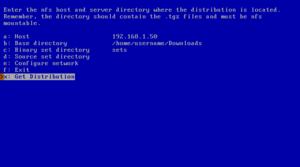
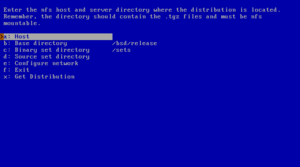
NFS install screen
netbsd.i2p
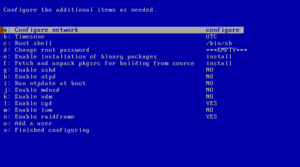
Configuration menu
netbsd.i2p
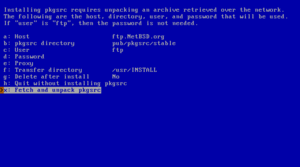
Fetch and unpack pkgsrc
netbsd.i2p
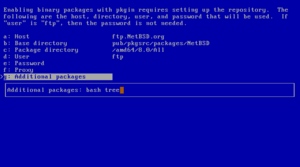
Additional packages
netbsd.i2p
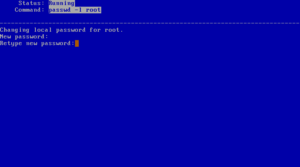
Setting root password
netbsd.i2p
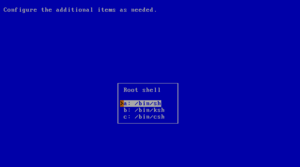
Choosing a shell
netbsd.i2p
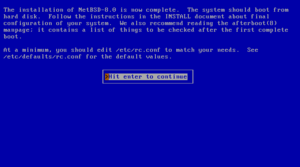
Installation completed
netbsd.i2p
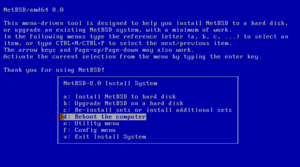
Reboot to finish installation
netbsd.i2p
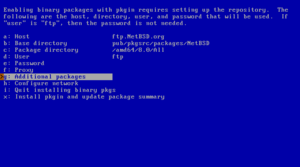
Enabling installation of binary packages
netbsd.i2p
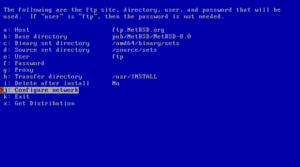
Defining the FTP settings
netbsd.i2p
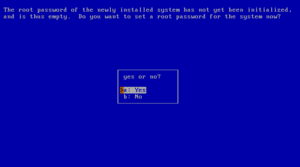
Set a root password?
netbsd.i2p
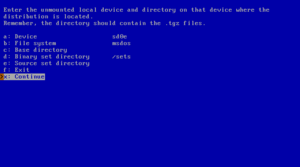
Accessing a MSDOS file system
netbsd.i2p
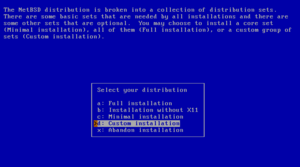
Full or custom installation
netbsd.i2p
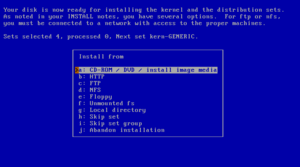
Installation media
netbsd.i2p
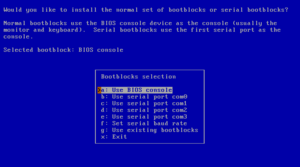
Selecting bootblocks
netbsd.i2p
Image
4qj24zd5dvkynxgrgiivep4qn3xt3fajhazvlobocvapitjf7igq.b32.i2p
Logo image
sovereign.i2p
cs.i2p
dgnwtz36mhiro5rs36n7r5mxs2srzvhaaui5hfuceiy2nehhe2ha.b32.i2p
dgnwtz36mhiro5rs36n7r5mxs2srzvhaaui5hfuceiy2nehhe2ha.b32.i2p
lm.i2p
Page:
18
19
20
21
22