I2P Search
I2P Search
About 1,397 results found.
(Query 0.00200 seconds)
All
Images
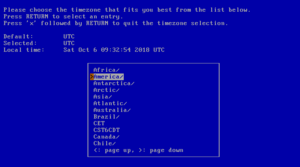
Selecting the system's time zone
netbsd.i2p
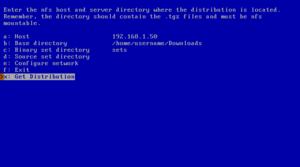
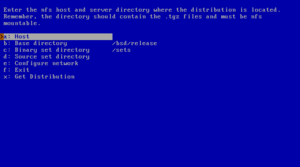
NFS example
netbsd.i2p
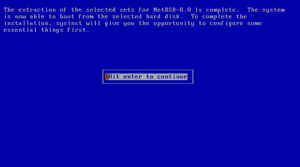
Extraction of sets completed
netbsd.i2p
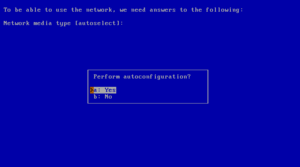
Using autoconfiguration
netbsd.i2p
NFS install screen
netbsd.i2p
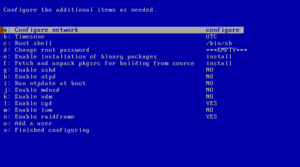
Configuration menu
netbsd.i2p
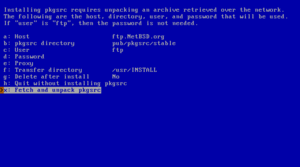
Fetch and unpack pkgsrc
netbsd.i2p
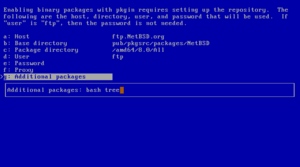
Additional packages
netbsd.i2p
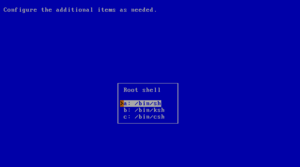
Choosing a shell
netbsd.i2p
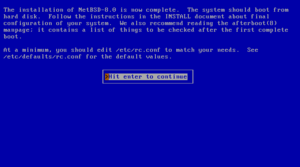
Installation completed
netbsd.i2p
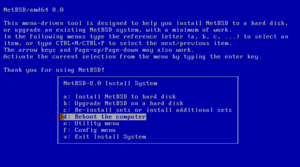
Reboot to finish installation
netbsd.i2p
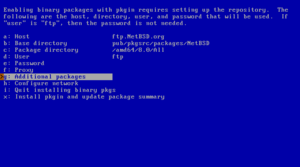
Enabling installation of binary packages
netbsd.i2p
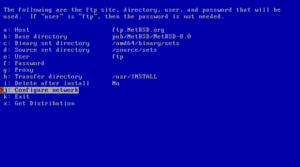
Defining the FTP settings
netbsd.i2p
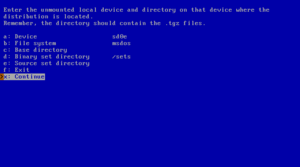
Accessing a MSDOS file system
netbsd.i2p
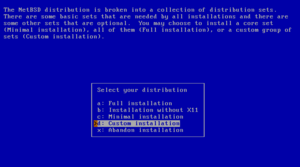
Full or custom installation
netbsd.i2p
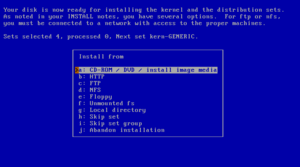
Installation media
netbsd.i2p
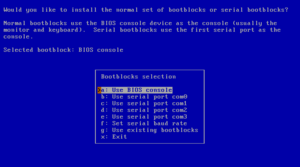
Selecting bootblocks
netbsd.i2p
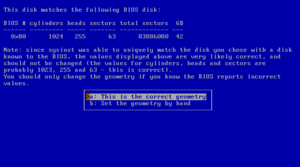
Disk geometry
netbsd.i2p
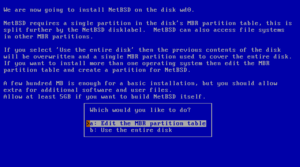
Choosing the partitioning scheme
netbsd.i2p
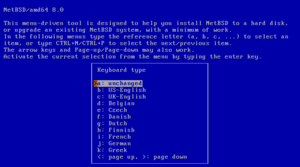
Selecting a keyboard type
netbsd.i2p
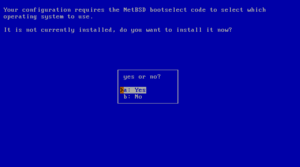
Installing the boot selector
netbsd.i2p
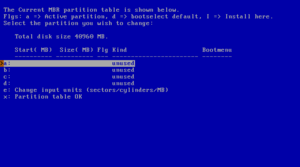
fdisk
netbsd.i2p
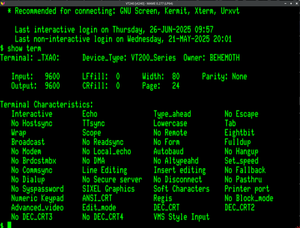
A VT240 in actual use
digitalsr.i2p
I2p OpenVMS Network Logo
digitalsr.i2p
I2VMSnet with x3270
digitalsr.i2p
cs.i2p
cs.i2p
cs.i2p
cs.i2p
cs.i2p
cs.i2p
cs.i2p
cs.i2p
cs.i2p
cs.i2p
cs.i2p
cs.i2p
cs.i2p
kzaeunogz6s75ptgy6ifjzwwy75xdfenenswvrczd7mewxgrad5a.b32.i2p
kzaeunogz6s75ptgy6ifjzwwy75xdfenenswvrczd7mewxgrad5a.b32.i2p
Tunneling tunnels within tunnels (inside of tunnels)
kzaeunogz6s75ptgy6ifjzwwy75xdfenenswvrczd7mewxgrad5a.b32.i2p
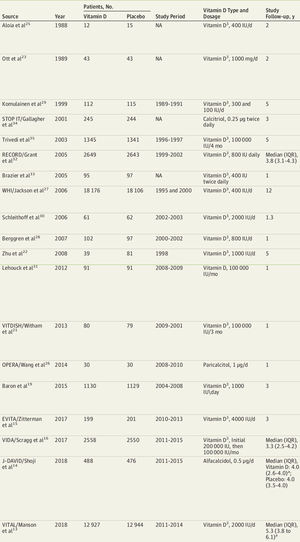
List of studies, showing vitamin D amounts used
ius6h6cdf6rguuw65aktnpofjm5cn2my74s26ak7k5exgpk42odq.b32.i2p
linux_recover_password.gif
grimore.i2p
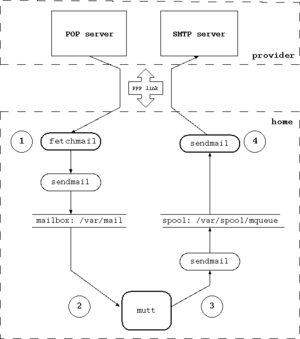
Structure of the mail system
netbsd.i2p
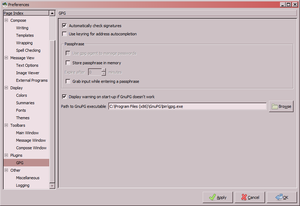
Specifying the path to gpg.exe in Claws Mail
ius6h6cdf6rguuw65aktnpofjm5cn2my74s26ak7k5exgpk42odq.b32.i2p
cs.i2p
cs.i2p
cs.i2p
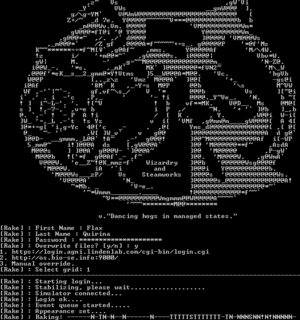
rakepreview.png
grimore.i2p
thecanaryinthecage.i2p
nuclearchange.i2p
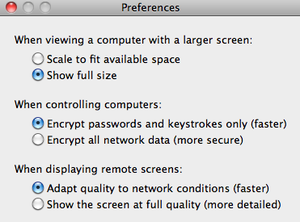
ScreenSharing settings to access iDevice
grimore.i2p
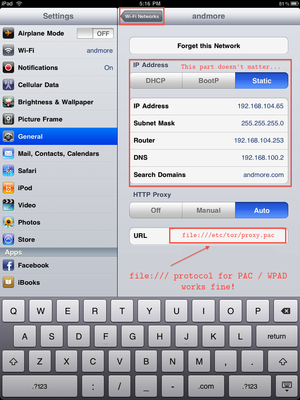
fuss_ios_socksproxy.png
grimore.i2p
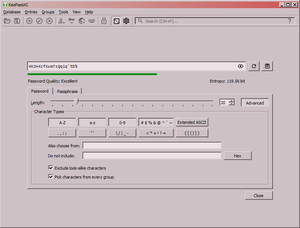
Showing password creation in KeePass
ius6h6cdf6rguuw65aktnpofjm5cn2my74s26ak7k5exgpk42odq.b32.i2p
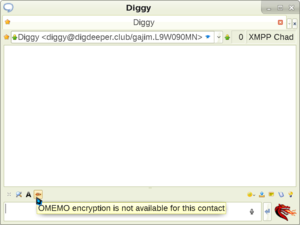
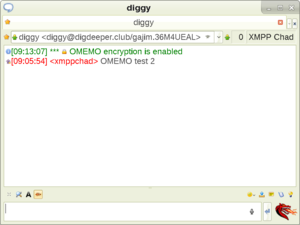
Message window in Psi, showing the OMEMO encryption toggle
ius6h6cdf6rguuw65aktnpofjm5cn2my74s26ak7k5exgpk42odq.b32.i2p
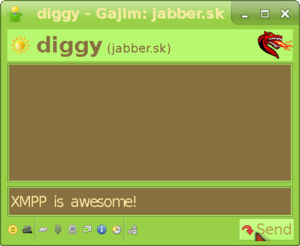
The actual talk window in Gajim
ius6h6cdf6rguuw65aktnpofjm5cn2my74s26ak7k5exgpk42odq.b32.i2p
Showing a successful OMEMO conversation in Psi
ius6h6cdf6rguuw65aktnpofjm5cn2my74s26ak7k5exgpk42odq.b32.i2p
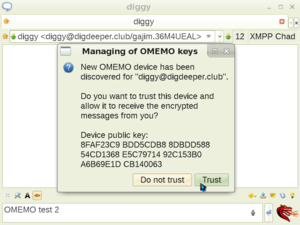
Showing Psi's OMEMO fingerprint verification screen
ius6h6cdf6rguuw65aktnpofjm5cn2my74s26ak7k5exgpk42odq.b32.i2p
Psi message window
ius6h6cdf6rguuw65aktnpofjm5cn2my74s26ak7k5exgpk42odq.b32.i2p
Entering the talk window in Gajim
ius6h6cdf6rguuw65aktnpofjm5cn2my74s26ak7k5exgpk42odq.b32.i2p
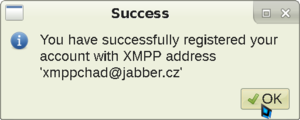
Psi registration finalized
ius6h6cdf6rguuw65aktnpofjm5cn2my74s26ak7k5exgpk42odq.b32.i2p
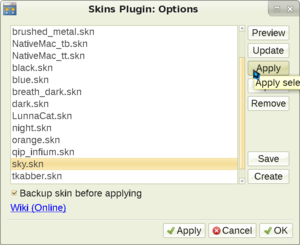
Showing the Night skin
ius6h6cdf6rguuw65aktnpofjm5cn2my74s26ak7k5exgpk42odq.b32.i2p
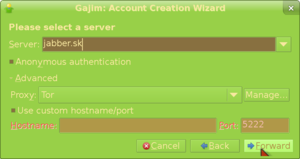
Picking a server in Gajim registration screen
ius6h6cdf6rguuw65aktnpofjm5cn2my74s26ak7k5exgpk42odq.b32.i2p
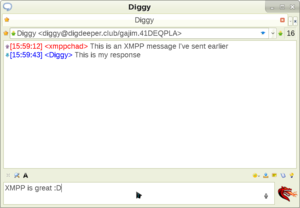
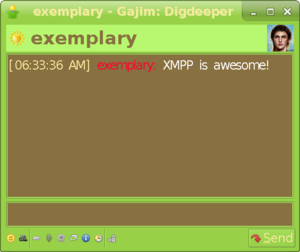
Receiving message in Gajim
ius6h6cdf6rguuw65aktnpofjm5cn2my74s26ak7k5exgpk42odq.b32.i2p
Showing what the modified resource header looks like when viewed by someone else
ius6h6cdf6rguuw65aktnpofjm5cn2my74s26ak7k5exgpk42odq.b32.i2p
Showing how to enable OMEMO in Psi and enter its settings menu
ius6h6cdf6rguuw65aktnpofjm5cn2my74s26ak7k5exgpk42odq.b32.i2p
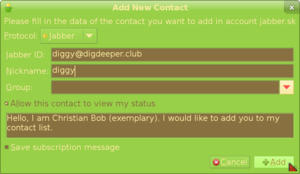
Entering the data for your added contact
ius6h6cdf6rguuw65aktnpofjm5cn2my74s26ak7k5exgpk42odq.b32.i2p
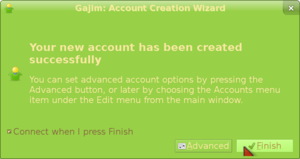
Finished registering an account in Gajim
ius6h6cdf6rguuw65aktnpofjm5cn2my74s26ak7k5exgpk42odq.b32.i2p
Applying a Psi skin
ius6h6cdf6rguuw65aktnpofjm5cn2my74s26ak7k5exgpk42odq.b32.i2p
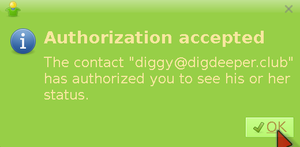
What appears when your friend accepts your request
ius6h6cdf6rguuw65aktnpofjm5cn2my74s26ak7k5exgpk42odq.b32.i2p
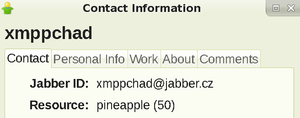
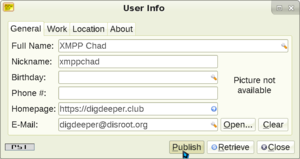
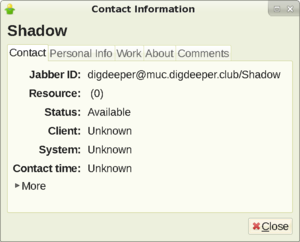
Psi user information screen
ius6h6cdf6rguuw65aktnpofjm5cn2my74s26ak7k5exgpk42odq.b32.i2p
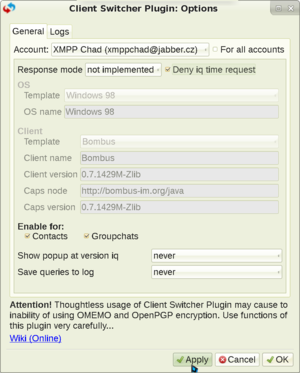
Showing Psi+ Client Switcher plugin settings that allow you to hide
ius6h6cdf6rguuw65aktnpofjm5cn2my74s26ak7k5exgpk42odq.b32.i2p
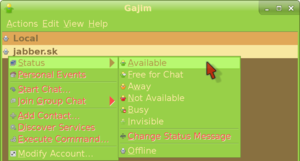
Going online in Gajim
ius6h6cdf6rguuw65aktnpofjm5cn2my74s26ak7k5exgpk42odq.b32.i2p
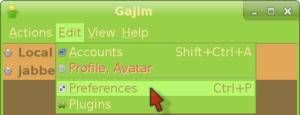
Entering the Preferences menu in Gajim
ius6h6cdf6rguuw65aktnpofjm5cn2my74s26ak7k5exgpk42odq.b32.i2p
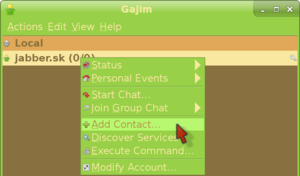
Entering the add contact menu in Gajim
ius6h6cdf6rguuw65aktnpofjm5cn2my74s26ak7k5exgpk42odq.b32.i2p
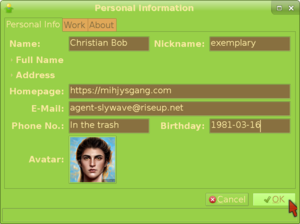
Filling in your personal information in Gajim
ius6h6cdf6rguuw65aktnpofjm5cn2my74s26ak7k5exgpk42odq.b32.i2p
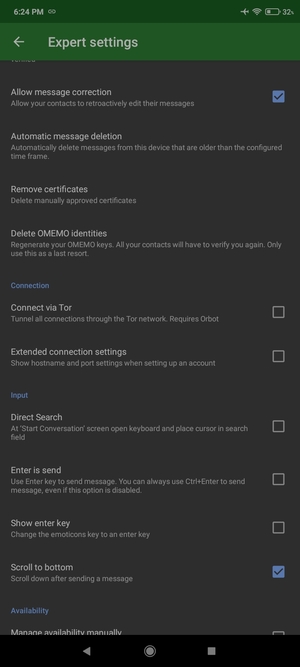
Conversations settings menu
ius6h6cdf6rguuw65aktnpofjm5cn2my74s26ak7k5exgpk42odq.b32.i2p
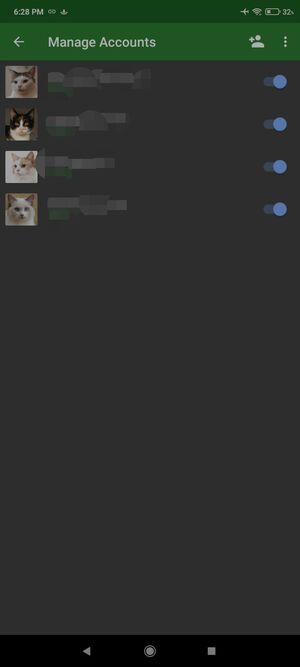
Conversations accounts screen
ius6h6cdf6rguuw65aktnpofjm5cn2my74s26ak7k5exgpk42odq.b32.i2p
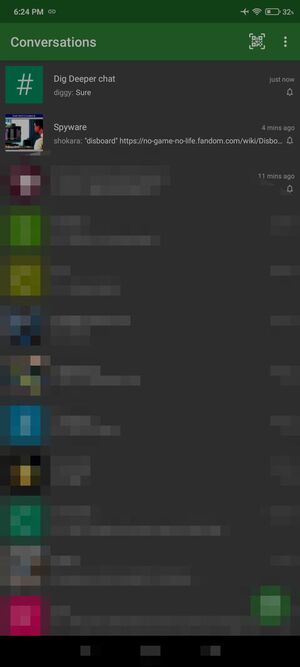
Conversations currently going convos
ius6h6cdf6rguuw65aktnpofjm5cn2my74s26ak7k5exgpk42odq.b32.i2p
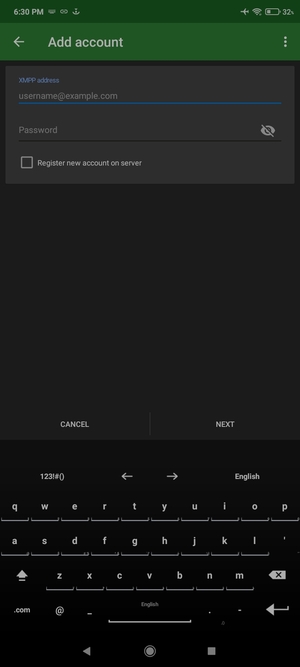
Conversations add account screen
ius6h6cdf6rguuw65aktnpofjm5cn2my74s26ak7k5exgpk42odq.b32.i2p
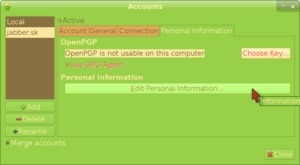
Personal Information tab of the Accounts menu in Gajim
ius6h6cdf6rguuw65aktnpofjm5cn2my74s26ak7k5exgpk42odq.b32.i2p
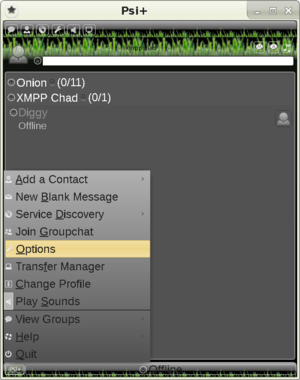
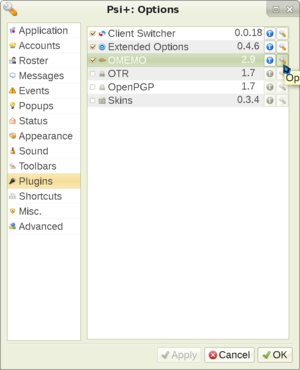
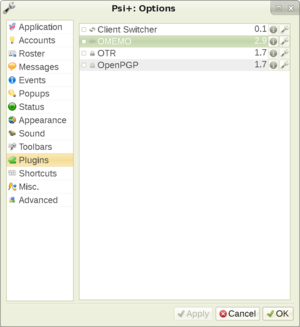
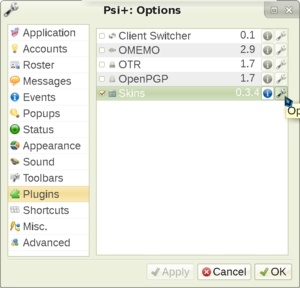
Showing Psi plugins existing in the Options menu
ius6h6cdf6rguuw65aktnpofjm5cn2my74s26ak7k5exgpk42odq.b32.i2p
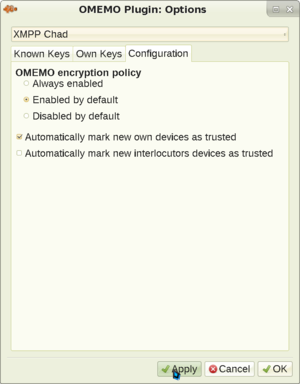
Showing the OMEMO plugin settings menu in Psi+
ius6h6cdf6rguuw65aktnpofjm5cn2my74s26ak7k5exgpk42odq.b32.i2p
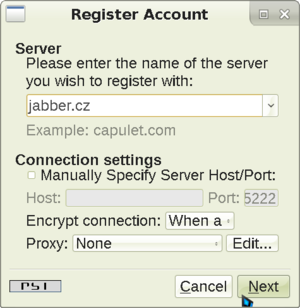
Psi registration screen
ius6h6cdf6rguuw65aktnpofjm5cn2my74s26ak7k5exgpk42odq.b32.i2p
Showing the Skins plugin in the plugins menu
ius6h6cdf6rguuw65aktnpofjm5cn2my74s26ak7k5exgpk42odq.b32.i2p
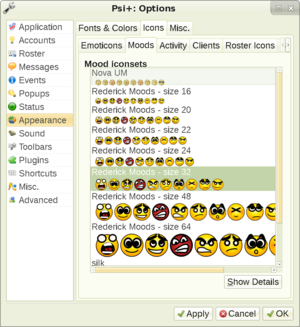
Showing Psi+ icons choosing screen
ius6h6cdf6rguuw65aktnpofjm5cn2my74s26ak7k5exgpk42odq.b32.i2p
How it looks like when someone checks up on you
ius6h6cdf6rguuw65aktnpofjm5cn2my74s26ak7k5exgpk42odq.b32.i2p
Psi finalizing contact addition
ius6h6cdf6rguuw65aktnpofjm5cn2my74s26ak7k5exgpk42odq.b32.i2p
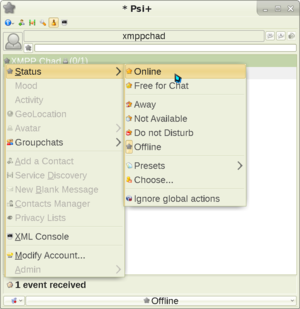
Going online in Psi
ius6h6cdf6rguuw65aktnpofjm5cn2my74s26ak7k5exgpk42odq.b32.i2p
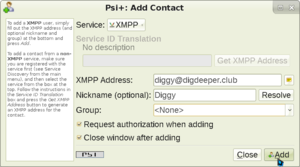
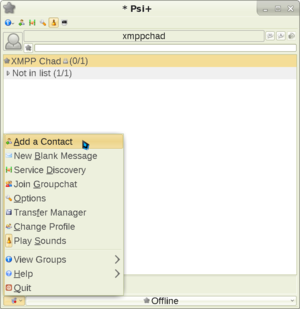
Adding a contact in Psi
ius6h6cdf6rguuw65aktnpofjm5cn2my74s26ak7k5exgpk42odq.b32.i2p
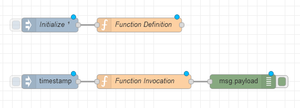
fuss_node-red_reusable_functions.png
grimore.i2p
List of folders in ~/.mozilla/firefox
ggucqf2jmtfxcw7us5sts3x7u2qljseocfzlhzebfpihkyvhcqfa.b32.i2p
gitunderground.i2p
Page:
1
2
3
4
5