I2P Search
I2P Search
About 3,118 results found.
(Query 0.03600 seconds)
All
Images
Enjoi Deedz deck
digitalsr.i2p
The Ishod deck and wheels on the old setup
digitalsr.i2p
Bronson Bearings
digitalsr.i2p
Deck alt view
digitalsr.i2p
Bronson bearings
digitalsr.i2p
Slappy bar
digitalsr.i2p
Deck
digitalsr.i2p
Fun box
digitalsr.i2p
Assembled
digitalsr.i2p
Real deck setup
digitalsr.i2p
Vans Half Cabs Shoes
digitalsr.i2p
Quarter pipe
digitalsr.i2p
Old Element deck setup
digitalsr.i2p
New wheels
digitalsr.i2p
Welcome deck, top view
digitalsr.i2p
Welcome deck, after session one
digitalsr.i2p
Welcome deck, assembled
digitalsr.i2p
Deck
digitalsr.i2p
ius6h6cdf6rguuw65aktnpofjm5cn2my74s26ak7k5exgpk42odq.b32.i2p
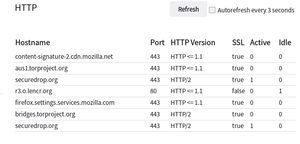
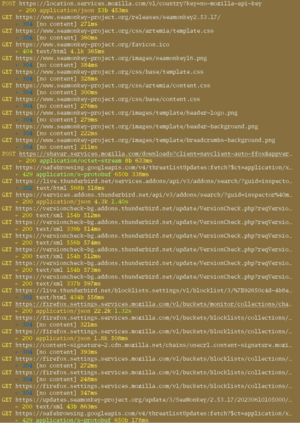
List of requests SeaMonkey sends at launch
ius6h6cdf6rguuw65aktnpofjm5cn2my74s26ak7k5exgpk42odq.b32.i2p
Showing the New Tab page of Firefox
ius6h6cdf6rguuw65aktnpofjm5cn2my74s26ak7k5exgpk42odq.b32.i2p
Showing the Settings menu, which consists of just a request to sign into your Google account
ius6h6cdf6rguuw65aktnpofjm5cn2my74s26ak7k5exgpk42odq.b32.i2p
Showing the UI of SeaMonkey, including the Settings menu
ius6h6cdf6rguuw65aktnpofjm5cn2my74s26ak7k5exgpk42odq.b32.i2p
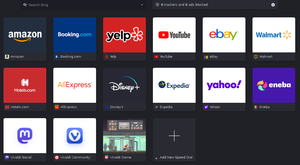
Vivaldi's New Tab page full of its shitty partner links
ius6h6cdf6rguuw65aktnpofjm5cn2my74s26ak7k5exgpk42odq.b32.i2p
Links listed on Opera's New Tab page
ius6h6cdf6rguuw65aktnpofjm5cn2my74s26ak7k5exgpk42odq.b32.i2p
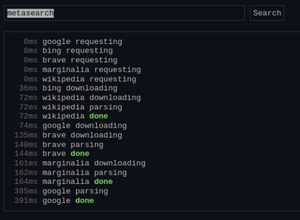
The live progress display I have on metasearch2
mat.i2p
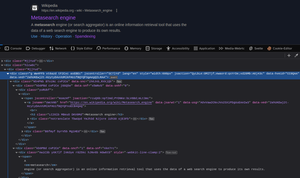
Firefox devtools open, showing the HTML for the Google result for 'metasearch'
mat.i2p
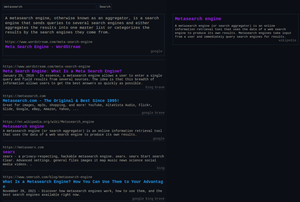
The search results for 'metasearch' on my metasearch engine
mat.i2p
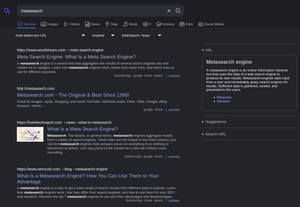
The search results for 'metasearch' on a random SearxNG instance
mat.i2p
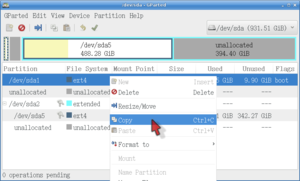
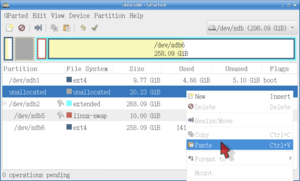
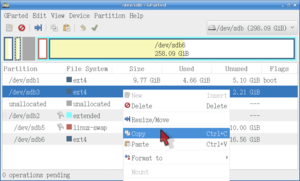
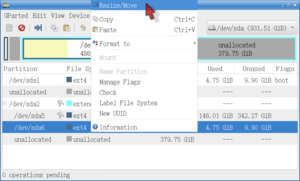
Copying a partition in GParted
ius6h6cdf6rguuw65aktnpofjm5cn2my74s26ak7k5exgpk42odq.b32.i2p
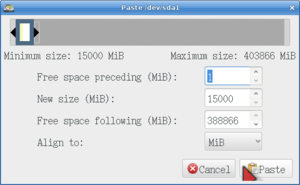
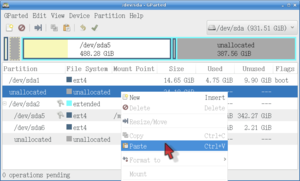
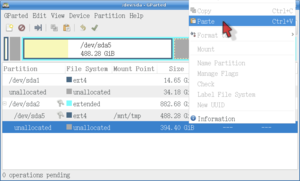
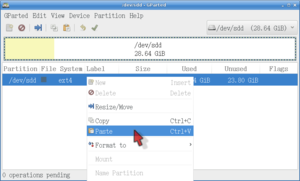
Pasting a partition in GParted
ius6h6cdf6rguuw65aktnpofjm5cn2my74s26ak7k5exgpk42odq.b32.i2p
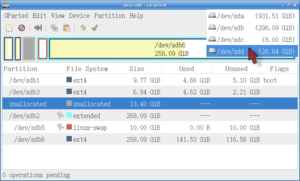
Switching a drive in GParted
ius6h6cdf6rguuw65aktnpofjm5cn2my74s26ak7k5exgpk42odq.b32.i2p
Pasting a partition in GParted
ius6h6cdf6rguuw65aktnpofjm5cn2my74s26ak7k5exgpk42odq.b32.i2p
Pasting a partition in GParted
ius6h6cdf6rguuw65aktnpofjm5cn2my74s26ak7k5exgpk42odq.b32.i2p
Showing a terminal emulator with liloconfig running
ius6h6cdf6rguuw65aktnpofjm5cn2my74s26ak7k5exgpk42odq.b32.i2p
Pasting a partition in GParted
ius6h6cdf6rguuw65aktnpofjm5cn2my74s26ak7k5exgpk42odq.b32.i2p
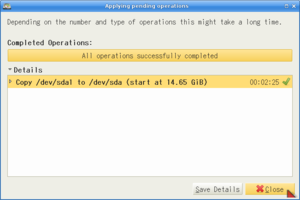
Closing operations in GParted
ius6h6cdf6rguuw65aktnpofjm5cn2my74s26ak7k5exgpk42odq.b32.i2p
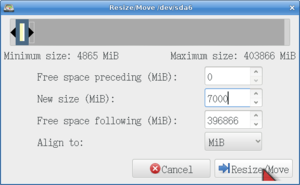
Enlarging a partition in GParted
ius6h6cdf6rguuw65aktnpofjm5cn2my74s26ak7k5exgpk42odq.b32.i2p
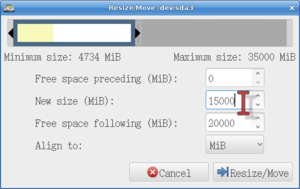
Shrinking a partition in GParted
ius6h6cdf6rguuw65aktnpofjm5cn2my74s26ak7k5exgpk42odq.b32.i2p
Copying a partition in GParted
ius6h6cdf6rguuw65aktnpofjm5cn2my74s26ak7k5exgpk42odq.b32.i2p
Pasting a partition in GParted
ius6h6cdf6rguuw65aktnpofjm5cn2my74s26ak7k5exgpk42odq.b32.i2p
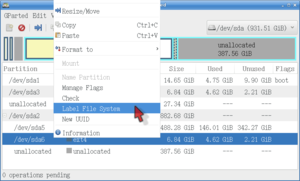
Labeling a backup in GParted
ius6h6cdf6rguuw65aktnpofjm5cn2my74s26ak7k5exgpk42odq.b32.i2p
Shrinking a partition in GParted
ius6h6cdf6rguuw65aktnpofjm5cn2my74s26ak7k5exgpk42odq.b32.i2p
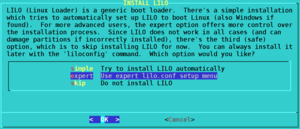
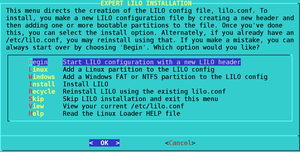
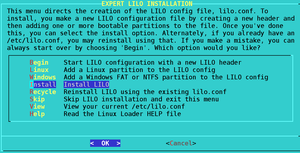
Beginning the liloconfig setup
ius6h6cdf6rguuw65aktnpofjm5cn2my74s26ak7k5exgpk42odq.b32.i2p
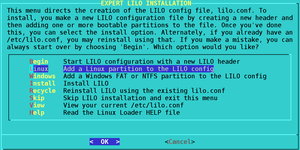
Adding a system in lilo
ius6h6cdf6rguuw65aktnpofjm5cn2my74s26ak7k5exgpk42odq.b32.i2p
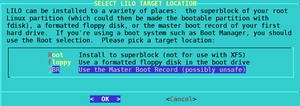
Picking MBR option to install the bootloader to
ius6h6cdf6rguuw65aktnpofjm5cn2my74s26ak7k5exgpk42odq.b32.i2p
Finally installing the bootloader
ius6h6cdf6rguuw65aktnpofjm5cn2my74s26ak7k5exgpk42odq.b32.i2p
Adding the restored backup as a bootable system in liloconfig
ius6h6cdf6rguuw65aktnpofjm5cn2my74s26ak7k5exgpk42odq.b32.i2p
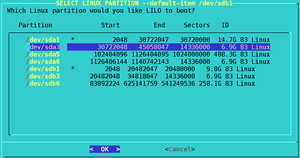
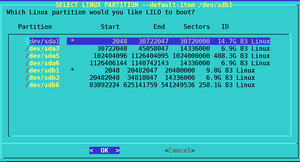
Picking a system for the bootloader to recognize
ius6h6cdf6rguuw65aktnpofjm5cn2my74s26ak7k5exgpk42odq.b32.i2p
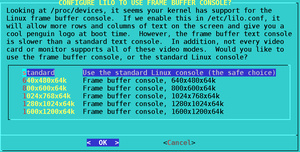
Choosing how lilo will look like at boot
ius6h6cdf6rguuw65aktnpofjm5cn2my74s26ak7k5exgpk42odq.b32.i2p
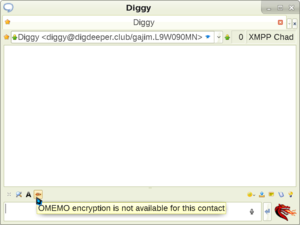
Message window in Psi, showing the OMEMO encryption toggle
ius6h6cdf6rguuw65aktnpofjm5cn2my74s26ak7k5exgpk42odq.b32.i2p
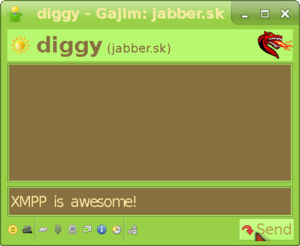
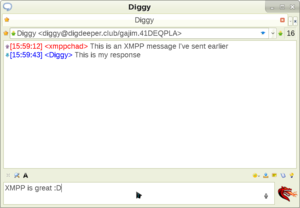
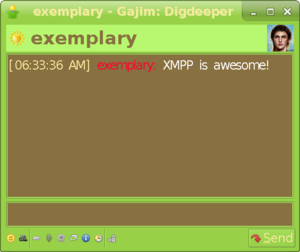
The actual talk window in Gajim
ius6h6cdf6rguuw65aktnpofjm5cn2my74s26ak7k5exgpk42odq.b32.i2p
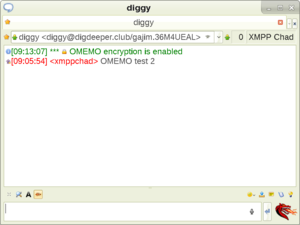
Showing a successful OMEMO conversation in Psi
ius6h6cdf6rguuw65aktnpofjm5cn2my74s26ak7k5exgpk42odq.b32.i2p
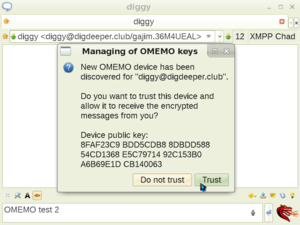
Showing Psi's OMEMO fingerprint verification screen
ius6h6cdf6rguuw65aktnpofjm5cn2my74s26ak7k5exgpk42odq.b32.i2p
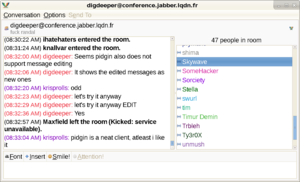
Psi message window
ius6h6cdf6rguuw65aktnpofjm5cn2my74s26ak7k5exgpk42odq.b32.i2p
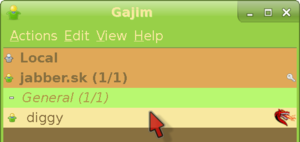
Entering the talk window in Gajim
ius6h6cdf6rguuw65aktnpofjm5cn2my74s26ak7k5exgpk42odq.b32.i2p
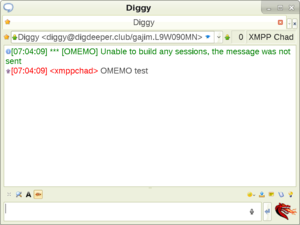
Showing an OMEMO message not being received
ius6h6cdf6rguuw65aktnpofjm5cn2my74s26ak7k5exgpk42odq.b32.i2p
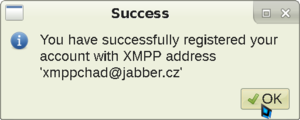
Psi registration finalized
ius6h6cdf6rguuw65aktnpofjm5cn2my74s26ak7k5exgpk42odq.b32.i2p
Showing what the modified resource header looks like when viewed by someone else
ius6h6cdf6rguuw65aktnpofjm5cn2my74s26ak7k5exgpk42odq.b32.i2p
Showing how to enable OMEMO in Psi and enter its settings menu
ius6h6cdf6rguuw65aktnpofjm5cn2my74s26ak7k5exgpk42odq.b32.i2p
Psi next registration screen
ius6h6cdf6rguuw65aktnpofjm5cn2my74s26ak7k5exgpk42odq.b32.i2p
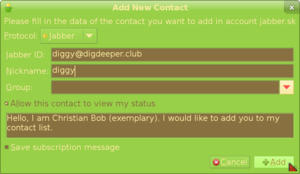
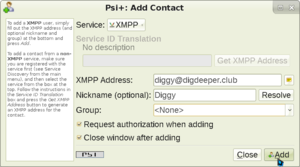
Entering the data for your added contact
ius6h6cdf6rguuw65aktnpofjm5cn2my74s26ak7k5exgpk42odq.b32.i2p
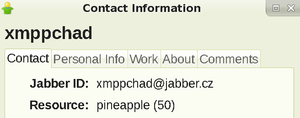
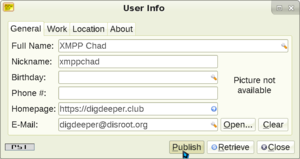
Psi user information screen
ius6h6cdf6rguuw65aktnpofjm5cn2my74s26ak7k5exgpk42odq.b32.i2p
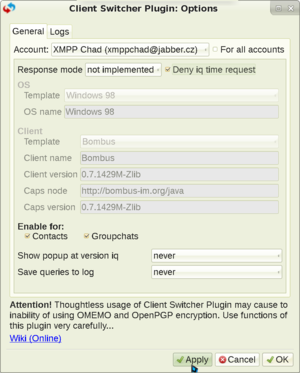
Showing Psi+ Client Switcher plugin settings that allow you to hide
ius6h6cdf6rguuw65aktnpofjm5cn2my74s26ak7k5exgpk42odq.b32.i2p
Showing the Night skin
ius6h6cdf6rguuw65aktnpofjm5cn2my74s26ak7k5exgpk42odq.b32.i2p
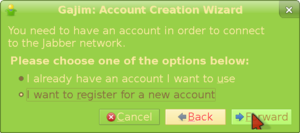
Choosing to register a new account in Gajim
ius6h6cdf6rguuw65aktnpofjm5cn2my74s26ak7k5exgpk42odq.b32.i2p
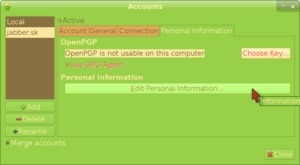
Personal Information tab of the Accounts menu in Gajim
ius6h6cdf6rguuw65aktnpofjm5cn2my74s26ak7k5exgpk42odq.b32.i2p
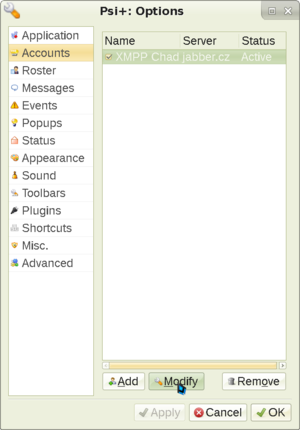
Showing the accounts screen
ius6h6cdf6rguuw65aktnpofjm5cn2my74s26ak7k5exgpk42odq.b32.i2p
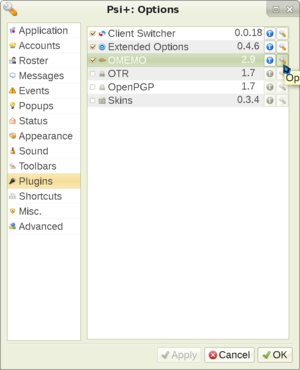
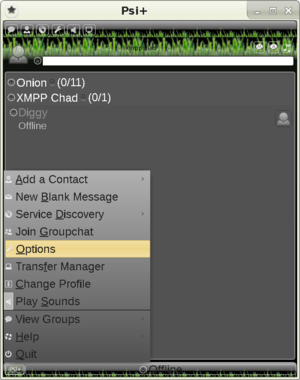
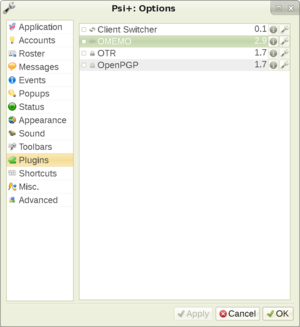
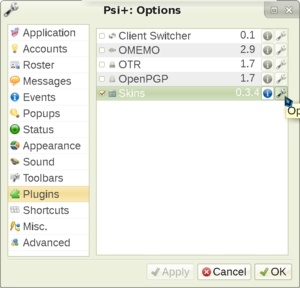
Showing Psi plugins existing in the Options menu
ius6h6cdf6rguuw65aktnpofjm5cn2my74s26ak7k5exgpk42odq.b32.i2p
Password entry screen in Gajim
ius6h6cdf6rguuw65aktnpofjm5cn2my74s26ak7k5exgpk42odq.b32.i2p
Psi finalizing contact addition
ius6h6cdf6rguuw65aktnpofjm5cn2my74s26ak7k5exgpk42odq.b32.i2p
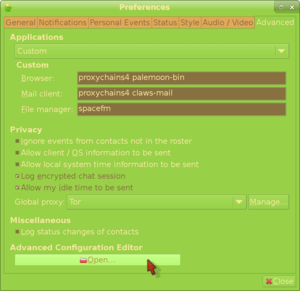
Privacy mitigations in Gajim
ius6h6cdf6rguuw65aktnpofjm5cn2my74s26ak7k5exgpk42odq.b32.i2p
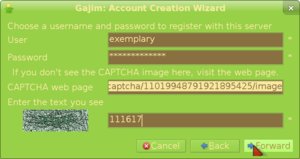
Gajim data input and captcha screen
ius6h6cdf6rguuw65aktnpofjm5cn2my74s26ak7k5exgpk42odq.b32.i2p
Finished registering an account in Gajim
ius6h6cdf6rguuw65aktnpofjm5cn2my74s26ak7k5exgpk42odq.b32.i2p
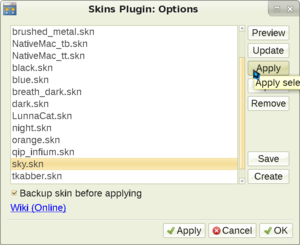
Applying a Psi skin
ius6h6cdf6rguuw65aktnpofjm5cn2my74s26ak7k5exgpk42odq.b32.i2p
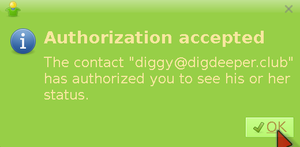
What appears when your friend accepts your request
ius6h6cdf6rguuw65aktnpofjm5cn2my74s26ak7k5exgpk42odq.b32.i2p
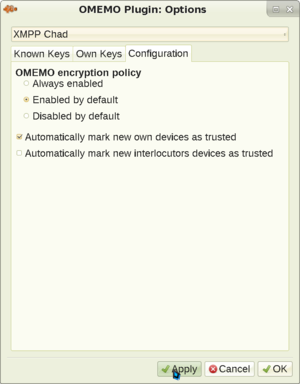
Showing the OMEMO plugin settings menu in Psi+
ius6h6cdf6rguuw65aktnpofjm5cn2my74s26ak7k5exgpk42odq.b32.i2p
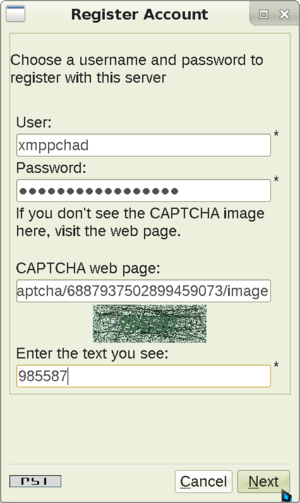
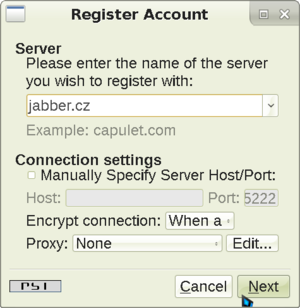
Psi registration screen
ius6h6cdf6rguuw65aktnpofjm5cn2my74s26ak7k5exgpk42odq.b32.i2p
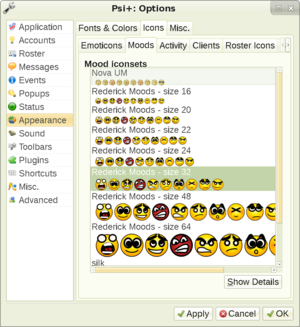
Showing Psi+ icons choosing screen
ius6h6cdf6rguuw65aktnpofjm5cn2my74s26ak7k5exgpk42odq.b32.i2p
Dino message window
ius6h6cdf6rguuw65aktnpofjm5cn2my74s26ak7k5exgpk42odq.b32.i2p
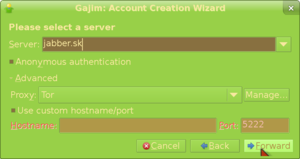
Picking a server in Gajim registration screen
ius6h6cdf6rguuw65aktnpofjm5cn2my74s26ak7k5exgpk42odq.b32.i2p
Receiving message in Gajim
ius6h6cdf6rguuw65aktnpofjm5cn2my74s26ak7k5exgpk42odq.b32.i2p
Showing the Skins plugin in the plugins menu
ius6h6cdf6rguuw65aktnpofjm5cn2my74s26ak7k5exgpk42odq.b32.i2p
Pidgin window screenshot
ius6h6cdf6rguuw65aktnpofjm5cn2my74s26ak7k5exgpk42odq.b32.i2p
Gajim accounts screen
ius6h6cdf6rguuw65aktnpofjm5cn2my74s26ak7k5exgpk42odq.b32.i2p
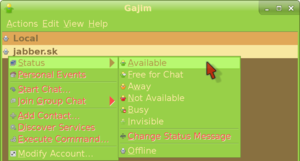
Going online in Gajim
ius6h6cdf6rguuw65aktnpofjm5cn2my74s26ak7k5exgpk42odq.b32.i2p
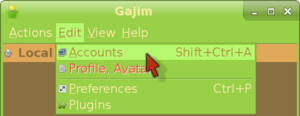
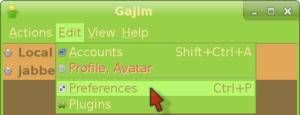
Entering the Preferences menu in Gajim
ius6h6cdf6rguuw65aktnpofjm5cn2my74s26ak7k5exgpk42odq.b32.i2p
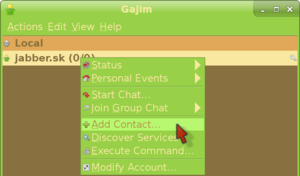
Entering the add contact menu in Gajim
ius6h6cdf6rguuw65aktnpofjm5cn2my74s26ak7k5exgpk42odq.b32.i2p
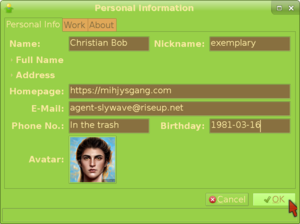
Filling in your personal information in Gajim
ius6h6cdf6rguuw65aktnpofjm5cn2my74s26ak7k5exgpk42odq.b32.i2p
Page:
1
2
3
4
5