I2P Search
I2P Search
About 4,558 results found.
(Query 0.01400 seconds)
All
Images
Browse Freely
v3issycarnxcomig7e2oqcq444ow4qjrbd5dexlhbyl7vicew6jq.b32.i2p
Block Trackers
v3issycarnxcomig7e2oqcq444ow4qjrbd5dexlhbyl7vicew6jq.b32.i2p
Resist Fingerprinting
v3issycarnxcomig7e2oqcq444ow4qjrbd5dexlhbyl7vicew6jq.b32.i2p
Multi-layered Encryption
v3issycarnxcomig7e2oqcq444ow4qjrbd5dexlhbyl7vicew6jq.b32.i2p
Defend Against Surveillance
v3issycarnxcomig7e2oqcq444ow4qjrbd5dexlhbyl7vicew6jq.b32.i2p
gitunderground.i2p
gitunderground.i2p
gitunderground.i2p
nuclearchange.i2p
nuclearchange.i2p
main image
leftybooru.i2p
ufmksvvitdrpofpcalhiloctyffx4q5ugf55n2tiynxjjhd265nq.b32.i2p
Q-ball-resizeimage-300x214
zzz.i2p
uik756fnd7nbqiq74jdxo7zxlzsyfnluudnlbfdccxb7kpax6mhq.b32.i2p
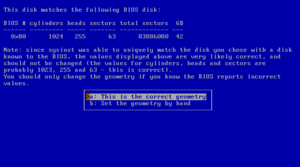
Disk geometry
netbsd.i2p
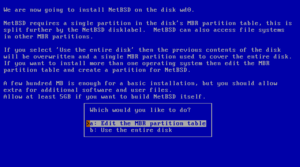
Choosing the partitioning scheme
netbsd.i2p
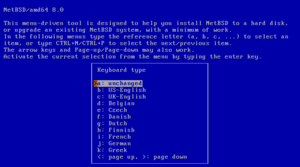
Selecting a keyboard type
netbsd.i2p
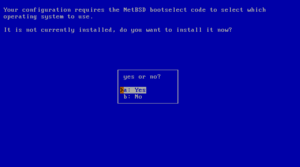
Installing the boot selector
netbsd.i2p
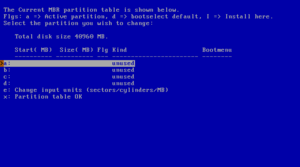
fdisk
netbsd.i2p
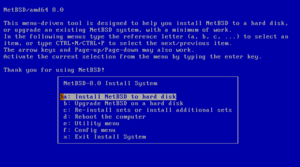
The sysinst main menu
netbsd.i2p
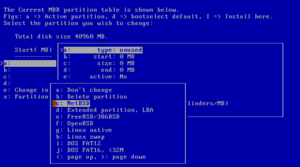
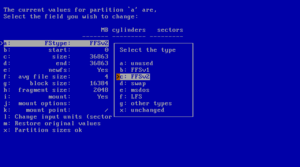
Partition options
netbsd.i2p
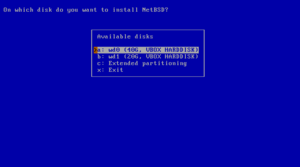
Choosing a hard disk
netbsd.i2p
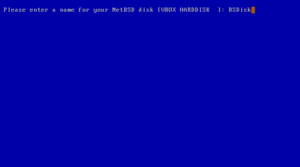
Naming the NetBSD disk
netbsd.i2p
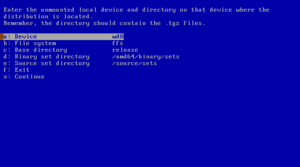
Mounting a partition
netbsd.i2p
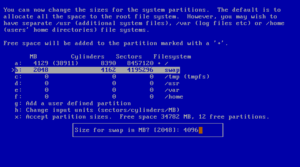
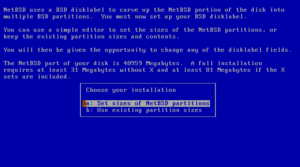
Setting partition sizes
netbsd.i2p
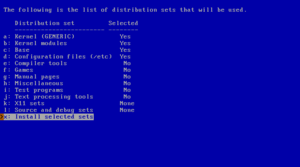
Selecting distribution sets
netbsd.i2p
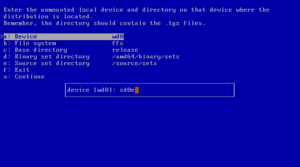
Mounting a file system
netbsd.i2p
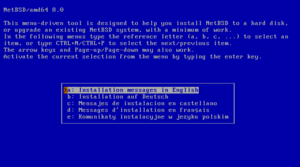
Selecting the language
netbsd.i2p
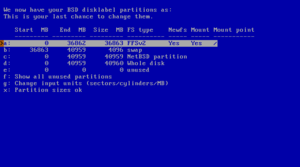
The disklabel editor
netbsd.i2p
Edit partitions?
netbsd.i2p
Disklabel partition editing
netbsd.i2p
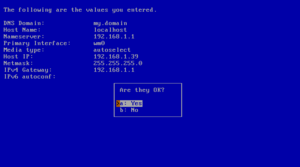
Confirm autoconfiguration
netbsd.i2p
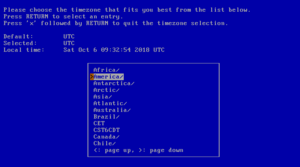
Selecting the system's time zone
netbsd.i2p
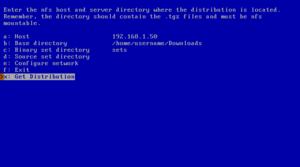
NFS example
netbsd.i2p
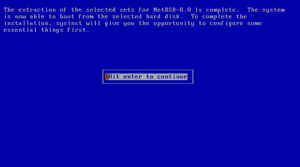
Extraction of sets completed
netbsd.i2p
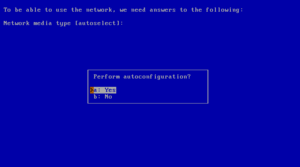
Using autoconfiguration
netbsd.i2p
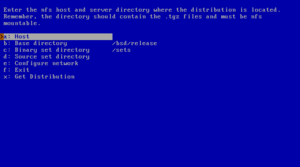
NFS install screen
netbsd.i2p
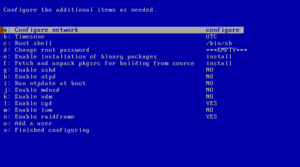
Configuration menu
netbsd.i2p
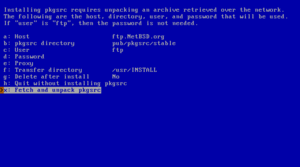
Fetch and unpack pkgsrc
netbsd.i2p
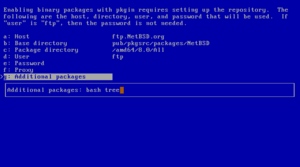
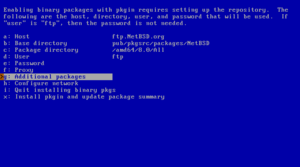
Additional packages
netbsd.i2p
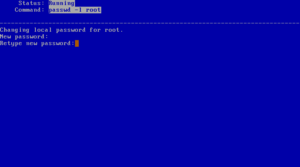
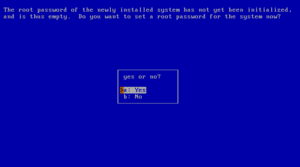
Setting root password
netbsd.i2p
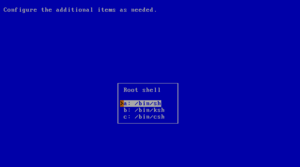
Choosing a shell
netbsd.i2p
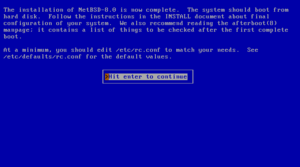
Installation completed
netbsd.i2p
Enabling installation of binary packages
netbsd.i2p
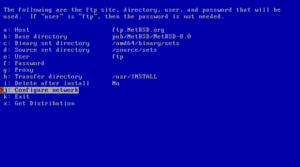
Defining the FTP settings
netbsd.i2p
Set a root password?
netbsd.i2p
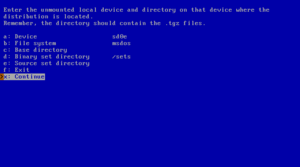
Accessing a MSDOS file system
netbsd.i2p
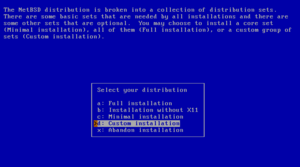
Full or custom installation
netbsd.i2p
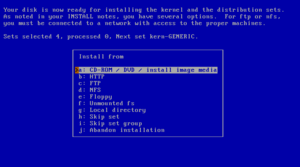
Installation media
netbsd.i2p
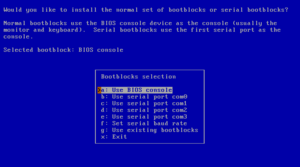
Selecting bootblocks
netbsd.i2p
main image
leftybooru.i2p
Animation of yellow Tor onion pulsing and then turning green
stackwallet.i2p
gitunderground.i2p
main image
leftybooru.i2p
netbsd.i2p
netbsd.i2p
netbsd.i2p
vernzdedoxuflrrxc4vbatbkpjh4k22ecgiqgimdiif62onhagva.b32.i2p
nuclearchange.i2p
nitter.catsarch.i2p
Best IT Master in Keuzegids 2021 (Dutch)
7ugh7a46mrcnhe42k3nokjncbvwtv2fkpxlvd5c6odlfdb7puaqq.b32.i2p
Top IT Master in Keuzegids 2024 (Dutch)
os3.i2p
vernzdedoxuflrrxc4vbatbkpjh4k22ecgiqgimdiif62onhagva.b32.i2p
[IMG]
pixelchxbwamuawou4h5s43ojc5olr64k7h42uhgffjnukxrrdda.b32.i2p
[IMG]
pixelchxbwamuawou4h5s43ojc5olr64k7h42uhgffjnukxrrdda.b32.i2p
[IMG]
pixelchxbwamuawou4h5s43ojc5olr64k7h42uhgffjnukxrrdda.b32.i2p
[IMG]
pixelchxbwamuawou4h5s43ojc5olr64k7h42uhgffjnukxrrdda.b32.i2p
[IMG]
pixelchxbwamuawou4h5s43ojc5olr64k7h42uhgffjnukxrrdda.b32.i2p
[IMG]
pixelchxbwamuawou4h5s43ojc5olr64k7h42uhgffjnukxrrdda.b32.i2p
[IMG]
pixelchxbwamuawou4h5s43ojc5olr64k7h42uhgffjnukxrrdda.b32.i2p
[IMG]
pixelchxbwamuawou4h5s43ojc5olr64k7h42uhgffjnukxrrdda.b32.i2p
[IMG]
pixelchxbwamuawou4h5s43ojc5olr64k7h42uhgffjnukxrrdda.b32.i2p
[IMG]
pixelchxbwamuawou4h5s43ojc5olr64k7h42uhgffjnukxrrdda.b32.i2p
sigma.i2p
Logo image
sovereign.i2p
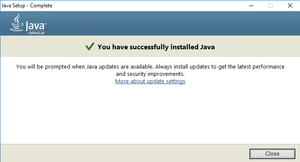
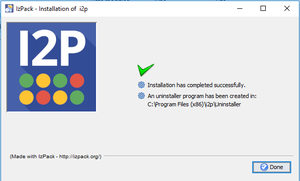
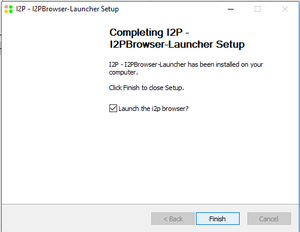
You’re done!
idk.i2p
Step two
idk.i2p
Step one
idk.i2p
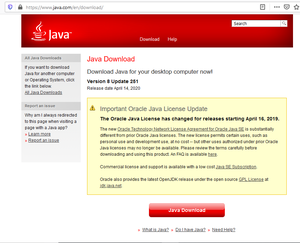
You need Oracle Java for Windows
idk.i2p
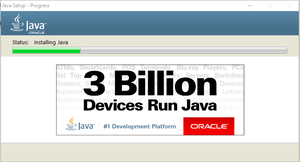
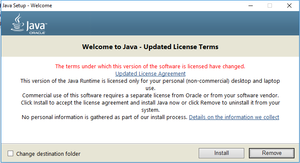
Start installing Java
idk.i2p
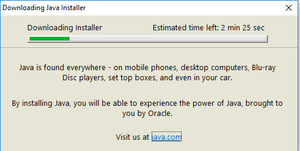
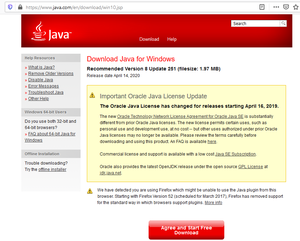
So download it
idk.i2p
Finish it up
idk.i2p
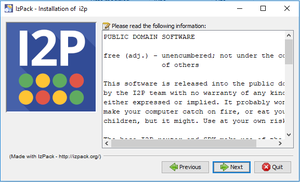
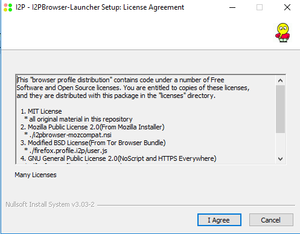
Accept the License Agreement(or mostly lack thereof)
idk.i2p
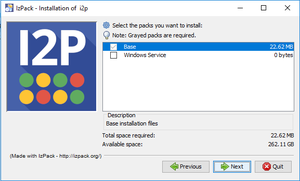
Select Components
idk.i2p
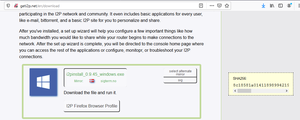
Download I2P
idk.i2p
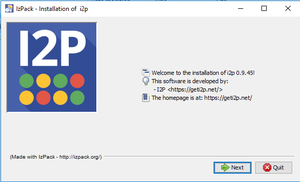
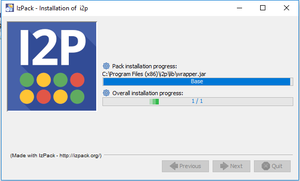
Run the installer
idk.i2p
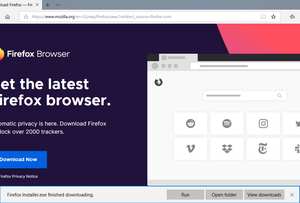
Get Firefox
idk.i2p
Introduction
idk.i2p
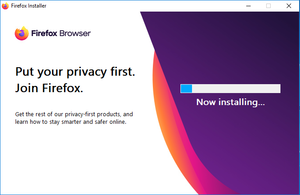
Wait a moment
idk.i2p
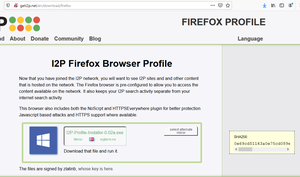
Grab the Firefox Profile
idk.i2p
Suggest browser and application configuration
idk.i2p
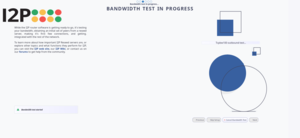
Run the bandwidth test
idk.i2p
Accpt the License Agreement
idk.i2p
Start the bandwidth wizard
idk.i2p
Let the participant know what the bandwidth test entails
idk.i2p
Now your browser is configured
idk.i2p
Page:
17
18
19
20
21