I2P Search
I2P Search
About 3,910 results found.
(Query 0.34600 seconds)
All
Images
Download I2P
idk.i2p
http://333.i2p/files/i2pd_munin-week.png
333.i2p
i2p
lm.i2p
1p1
333.i2p
Lumen Ampache I2P
ampache.lumen.i2p
I2P
cp7wkyweud5cuqqhuugyzzpym5izbhwj3mch77nqk4hylc5fftpq.b32.i2p
1
ctvfe2fimcsdfxmzmd42brnbf7ceenwrbroyjx3wzah5eudjyyza.b32.i2p
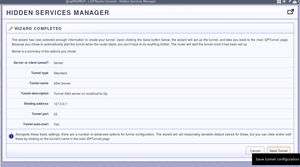
This is what it looks like when you’re done.
idk.i2p
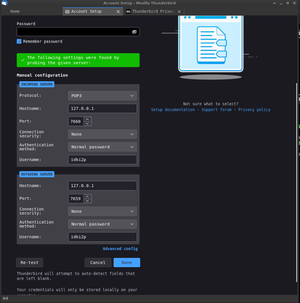
The third step is to test the configuration
idk.i2p
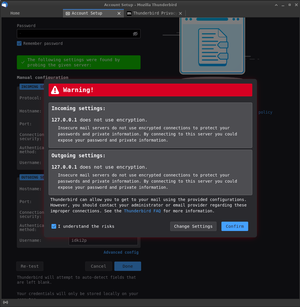
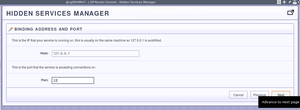
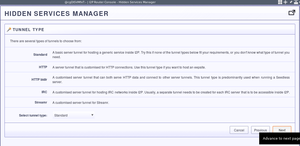
The fourth step is to click next
idk.i2p
194476743
333.i2p
Photo_2026-06-08_21-12-59
333.i2p
Icondirect
333.i2p
Photo_2025-07-22_08-54-28
333.i2p
_
333.i2p
07ec1fc75a3005d874734ce9469281b3
333.i2p
Err
333.i2p
Skyth
333.i2p
Droid1
ctvfe2fimcsdfxmzmd42brnbf7ceenwrbroyjx3wzah5eudjyyza.b32.i2p
1616824753
333.i2p
Lyk
333.i2p
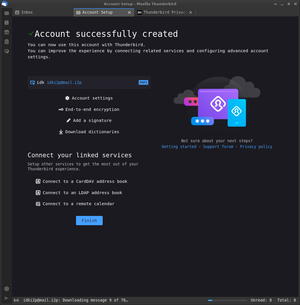
You’re done!
idk.i2p
Step two
idk.i2p
Step one
idk.i2p
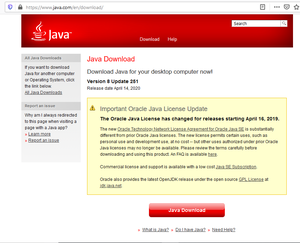
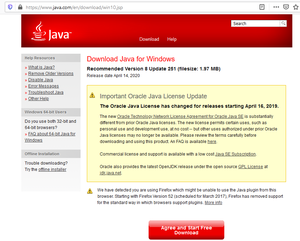
You need Oracle Java for Windows
idk.i2p
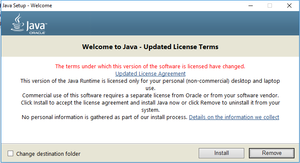
Start installing Java
idk.i2p
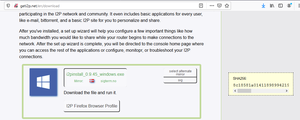
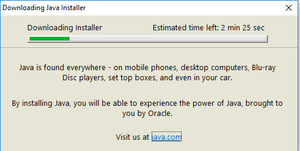
So download it
idk.i2p
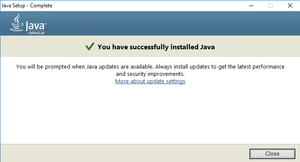
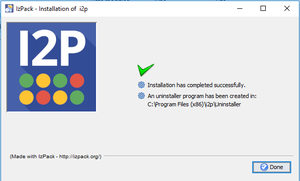
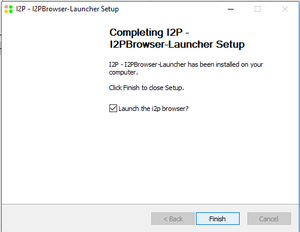
Finish it up
idk.i2p
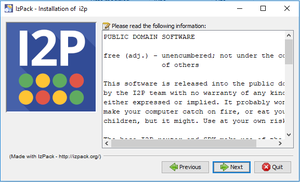
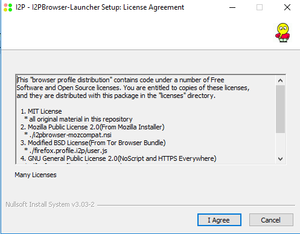
Accept the License Agreement(or mostly lack thereof)
idk.i2p
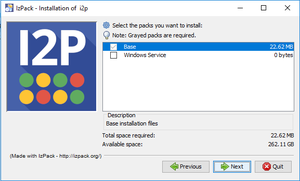
Select Components
idk.i2p
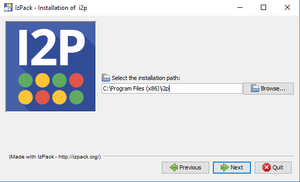
Select the path to install to
idk.i2p
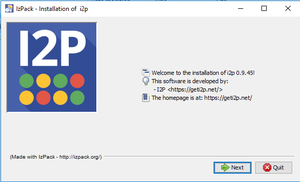
Run the installer
idk.i2p
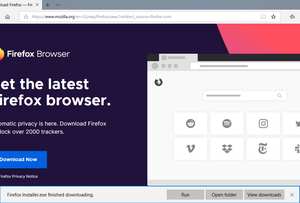
Get Firefox
idk.i2p
Introduction
idk.i2p
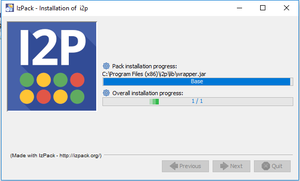
Wait a moment
idk.i2p
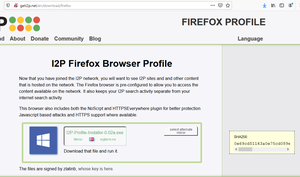
Grab the Firefox Profile
idk.i2p
Welcome to the Invisible Internet
idk.i2p
Suggest browser and application configuration
idk.i2p
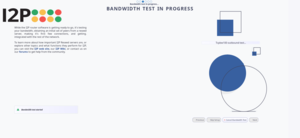
Run the bandwidth test
idk.i2p
Accpt the License Agreement
idk.i2p
Start the bandwidth wizard
idk.i2p
Let the participant know what the bandwidth test entails
idk.i2p
Now your browser is configured
idk.i2p
Avatar_cropped
333.i2p
Frog_terrarium
333.i2p
14560968992
ctvfe2fimcsdfxmzmd42brnbf7ceenwrbroyjx3wzah5eudjyyza.b32.i2p
Photo_2023-04-10_16-52-05
333.i2p
Imagegen
333.i2p
I2P Mascot
monkemanx.i2p
Connected with I2p
digitalsr.i2p
I2p Sun Logo
digitalsr.i2p
Black_wolf_
lhbd7ojcaiofbfku7ixh47qj537g572zmhdc4oilvugzxdpdghua.b32.i2p
Domain registration success
ggucqf2jmtfxcw7us5sts3x7u2qljseocfzlhzebfpihkyvhcqfa.b32.i2p
Architecture behind mdleom.com
ggucqf2jmtfxcw7us5sts3x7u2qljseocfzlhzebfpihkyvhcqfa.b32.i2p
I2p OpenVMS Network Logo
digitalsr.i2p
Q-ball-resizeimage-300x214
zzz.i2p
Netscape on I2p!
digitalsr.i2p
Experimental Installers
idk.i2p
running in gneto
idk.i2p
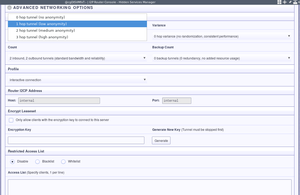
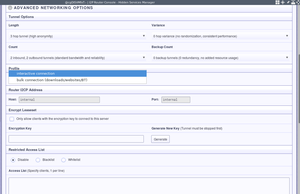
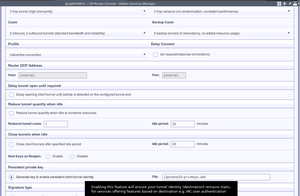
If you’re not concerned about anonymity, then reduce tunnel length.
idk.i2p
Save the settings.
idk.i2p
Configure your tunnel for interactive connectionss
idk.i2p
Point it at the future home of your SSH server
idk.i2p
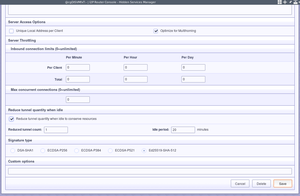
Reduce on idle, if you chose a high number of tunnels
idk.i2p
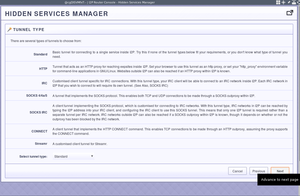
Of the Standard variety
idk.i2p
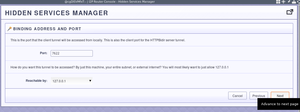
Choose a local port
idk.i2p
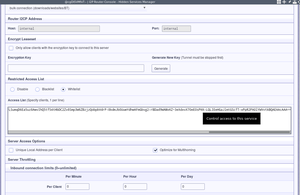
And paste it onto the server whitelist
idk.i2p
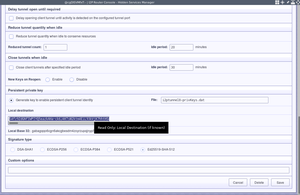
Get the client destination
idk.i2p
Configure it to be interactive
idk.i2p
Of the “Standard” variety
idk.i2p
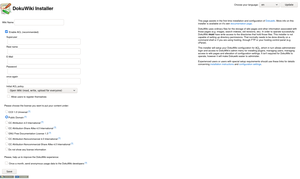
install.php
idk.i2p
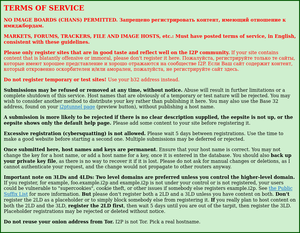
stats.i2p TOS
idk.i2p
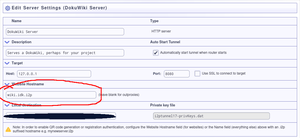
hostname
idk.i2p
Image
discuss.i2p
wiki.ilita.i2p
Image
discuss.i2p
Screenshot
idk.i2p
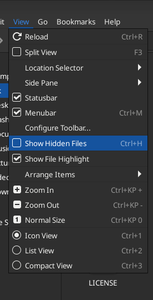
Show hidden files
idk.i2p
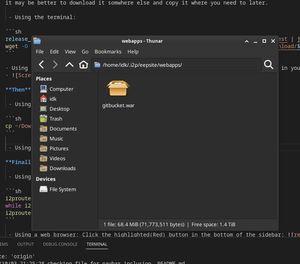
Final webapps
idk.i2p
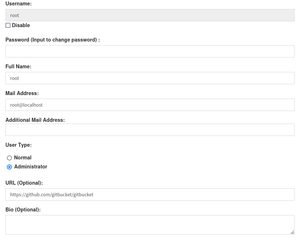
Set password
idk.i2p
restart
idk.i2p
plugins
idk.i2p
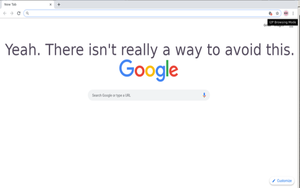
Feels bad.
idk.i2p
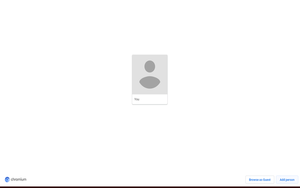
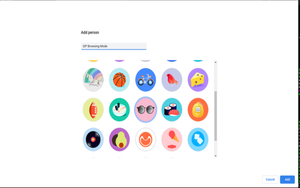
Add a person.
idk.i2p
sync
idk.i2p
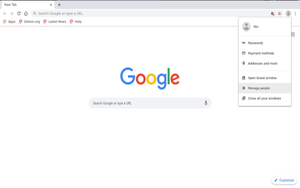
Open the people manager.
idk.i2p
Give them some cool shades.
idk.i2p
Wesnoth Logo
idk.i2p
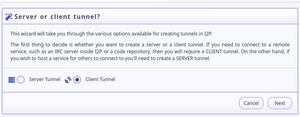
Client Tunnel
idk.i2p
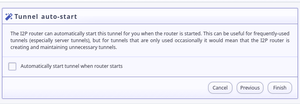
Decide whether to autostart
idk.i2p
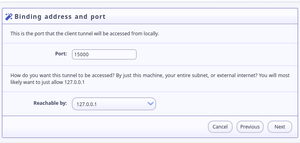
Local Host and Port
idk.i2p
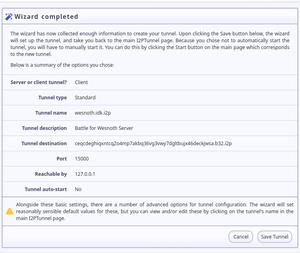
Review settings and finish
idk.i2p
Page:
1
2
3
4
5